
Your first project
1. Choose a tenant
Open Tenants. A tenant groups related projects and their shared settings, for example for a team or customer.
Use an existing tenant or create a new one with the add button. Give it a clear name. You need the appropriate administrative permissions for this setup.
2. Create the project
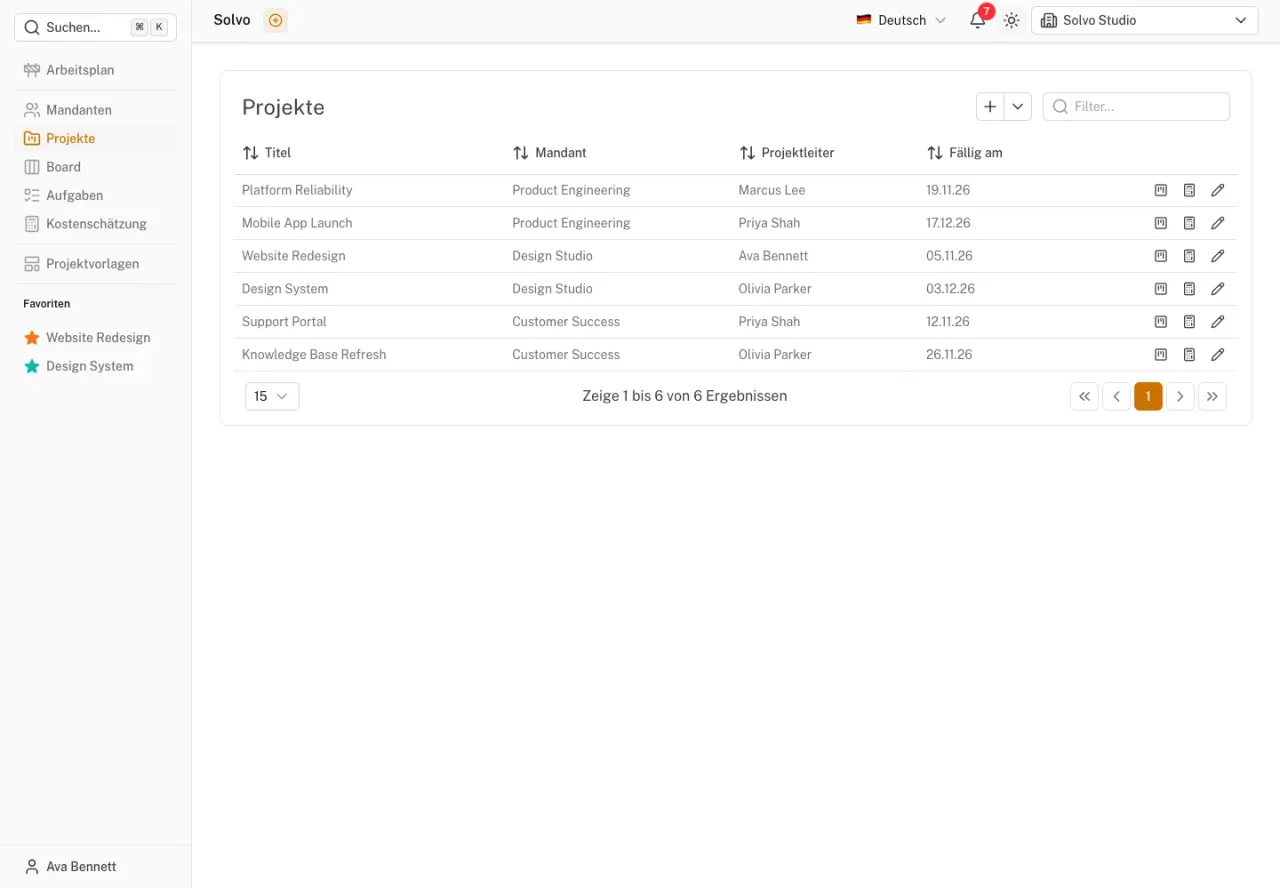
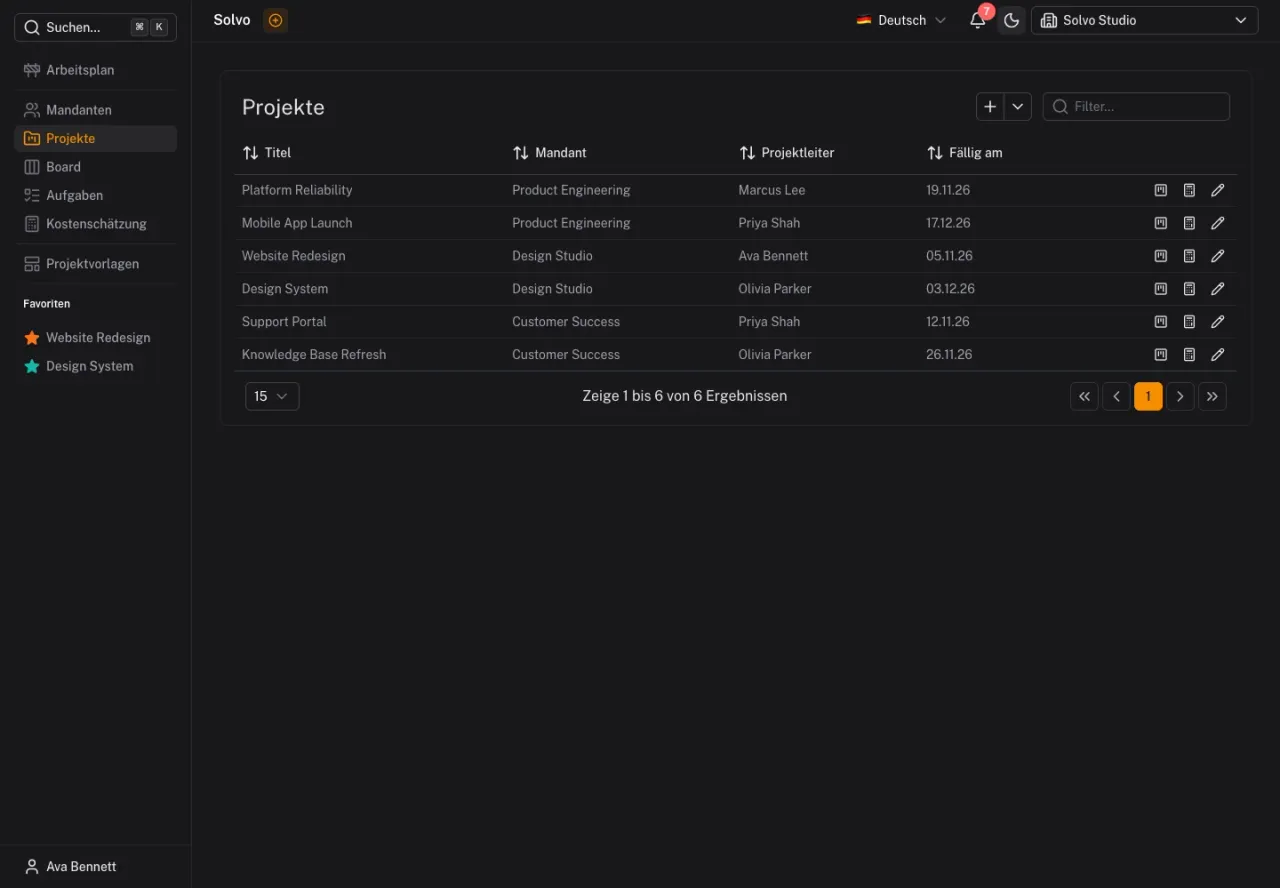
Open Projects and select the add button. Set the title, tenant and project manager. Add a description, a color and, if needed, a due date. Save the project.
A useful title describes the initiative, such as “Website Redesign”. The description records its goal and scope so the team has a shared starting point.
3. Open the project board
Use the board icon in the project's row. The board shows the project's tasks, grouped by the tenant's statuses.
Create your first task using the add button in a column. Start with a manageable next step: “Agree on homepage copy” is easier to act on than “New website”.
4. Assign responsibility and a date
Choose an assignee and describe the expected result. A due date specifies when the task should be finished. A planning date specifies the day it should be worked on.
5. Work with your team
Make sure everyone who needs access has it. Discuss what your statuses mean and when tasks count as completed. Record questions about the work directly as comments on the task.
Continue with Tasks and subtasks and Members and roles.