Changelog

How Solvo has grown – from prototype and internal use to customer projects. These entries record key steps in its development.

Solvo for more teams

The next milestone for bringing Solvo to more customers and teams.
Solvo for more teams

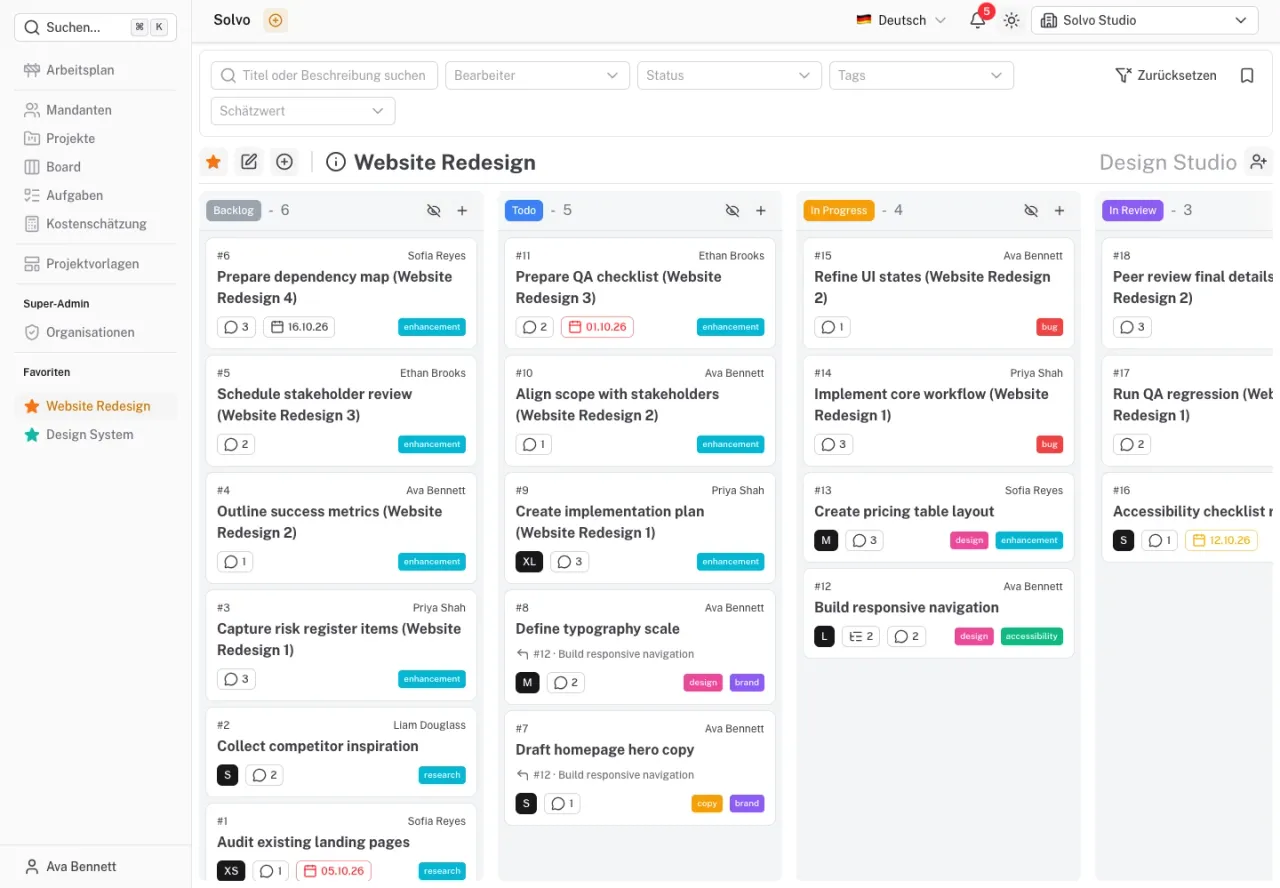
Solvo is already publicly available and used by customers. For October 9, 2026, we are bringing together the current product capabilities as the basis for reaching more customers and supporting new teams.

Solvo brings tasks, responsibilities and project progress together. Its current features include:

  • Project boards, subtasks and links between tasks.
  • A personal work schedule and reusable project templates.
  • Effort estimates, cost planning and exports for team discussions.
  • Notifications, a Clockodo integration and access from AI tools through MCP.

The documentation covers setup and the first steps in a project.
Project overview and task relationships

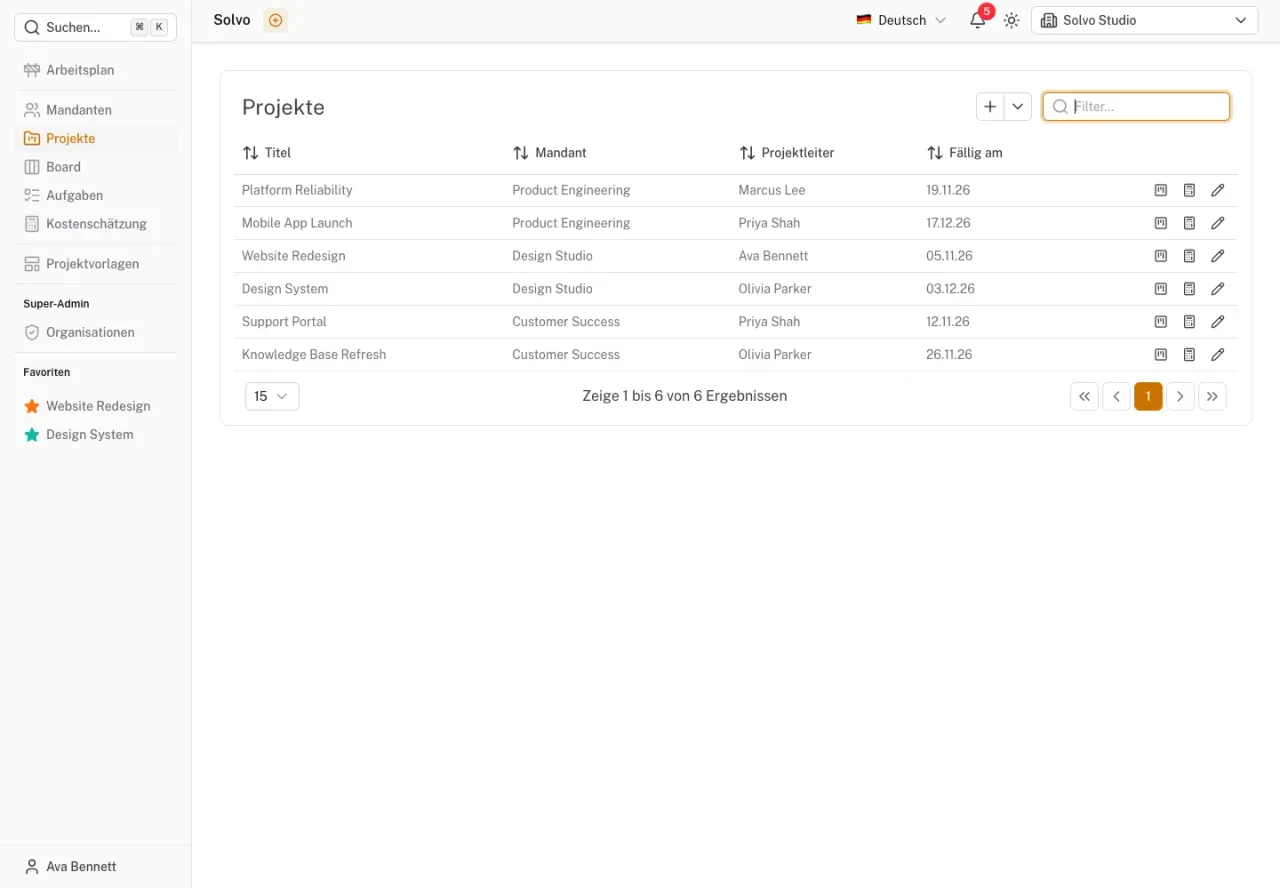
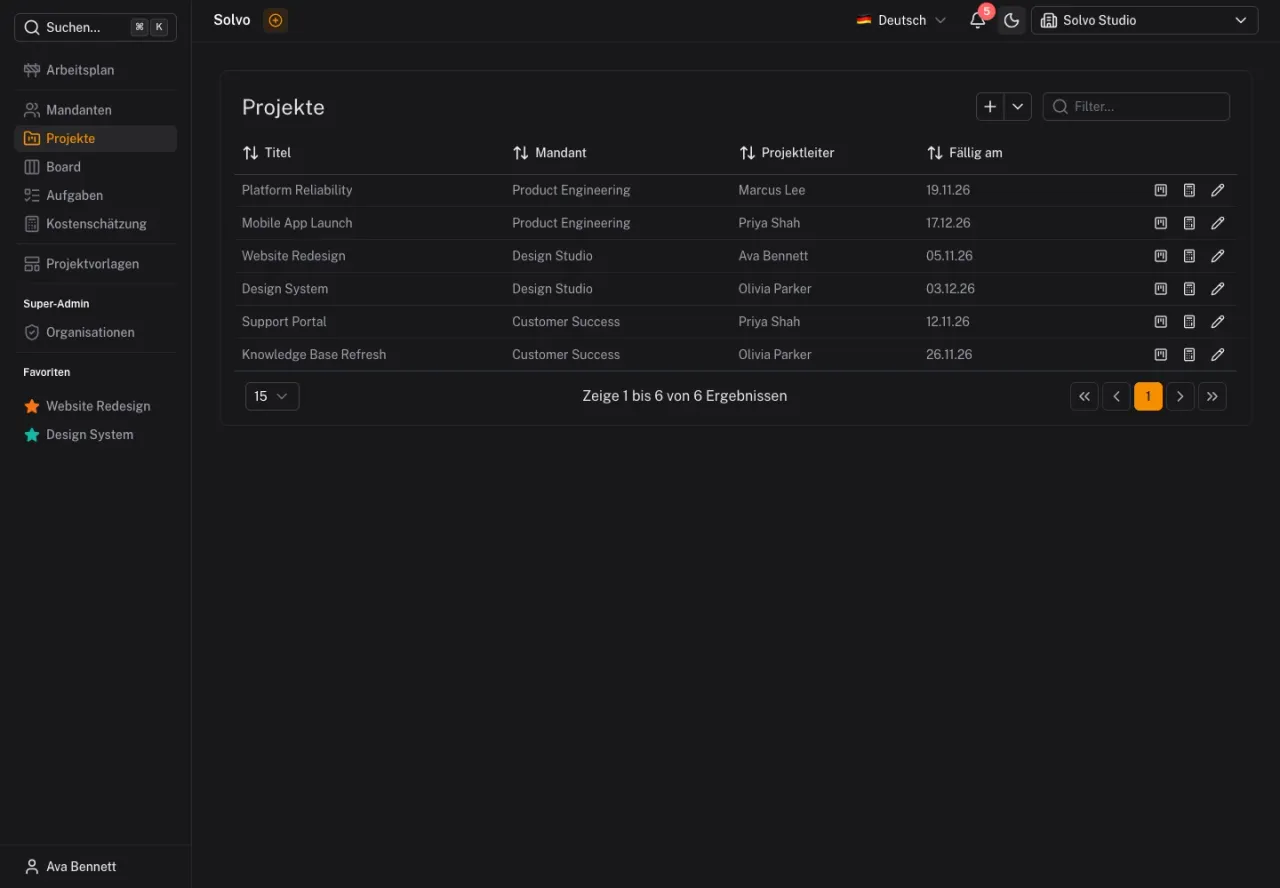
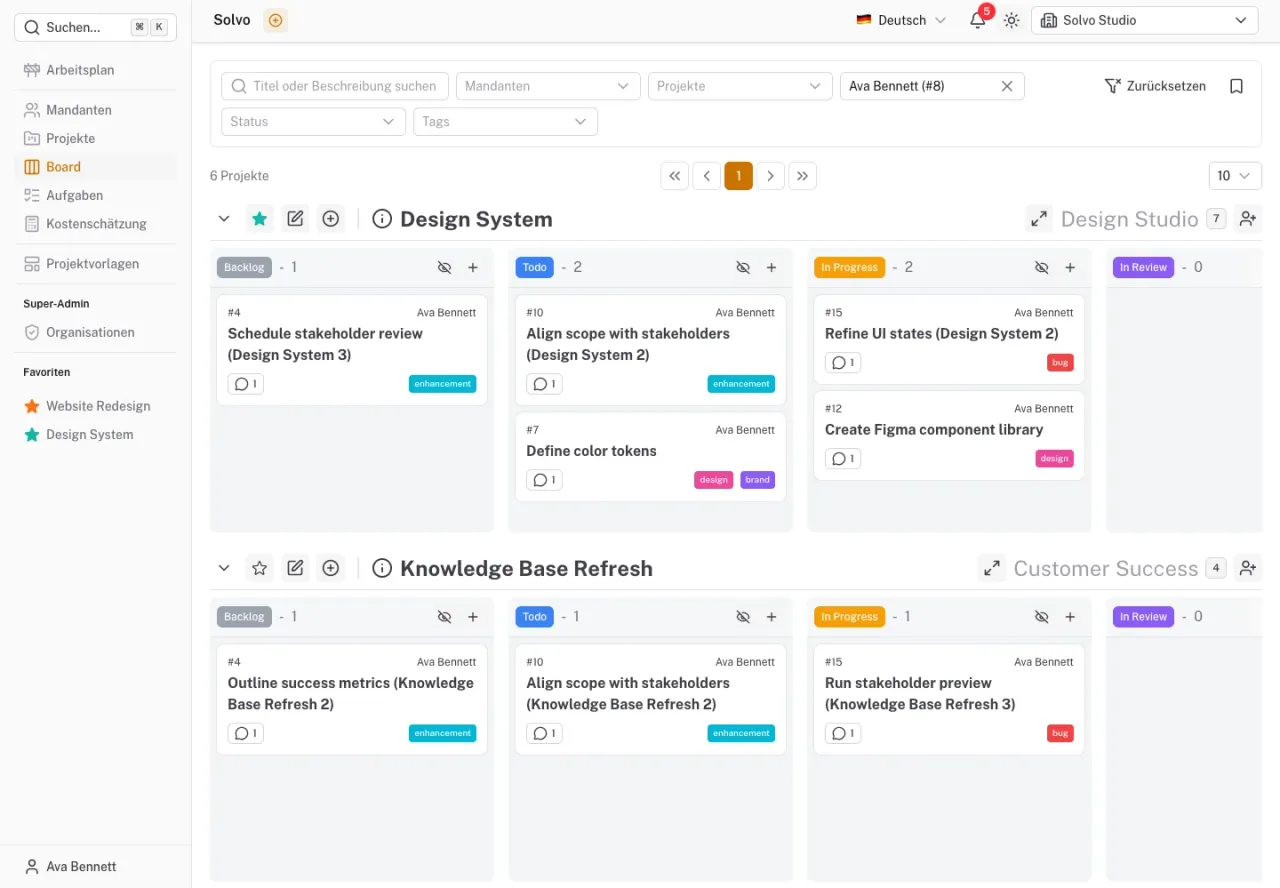
View several projects together, break down work and record how tasks relate.
Project overview and task relationships

Development in late September and early October connected the wider project view with individual task details:

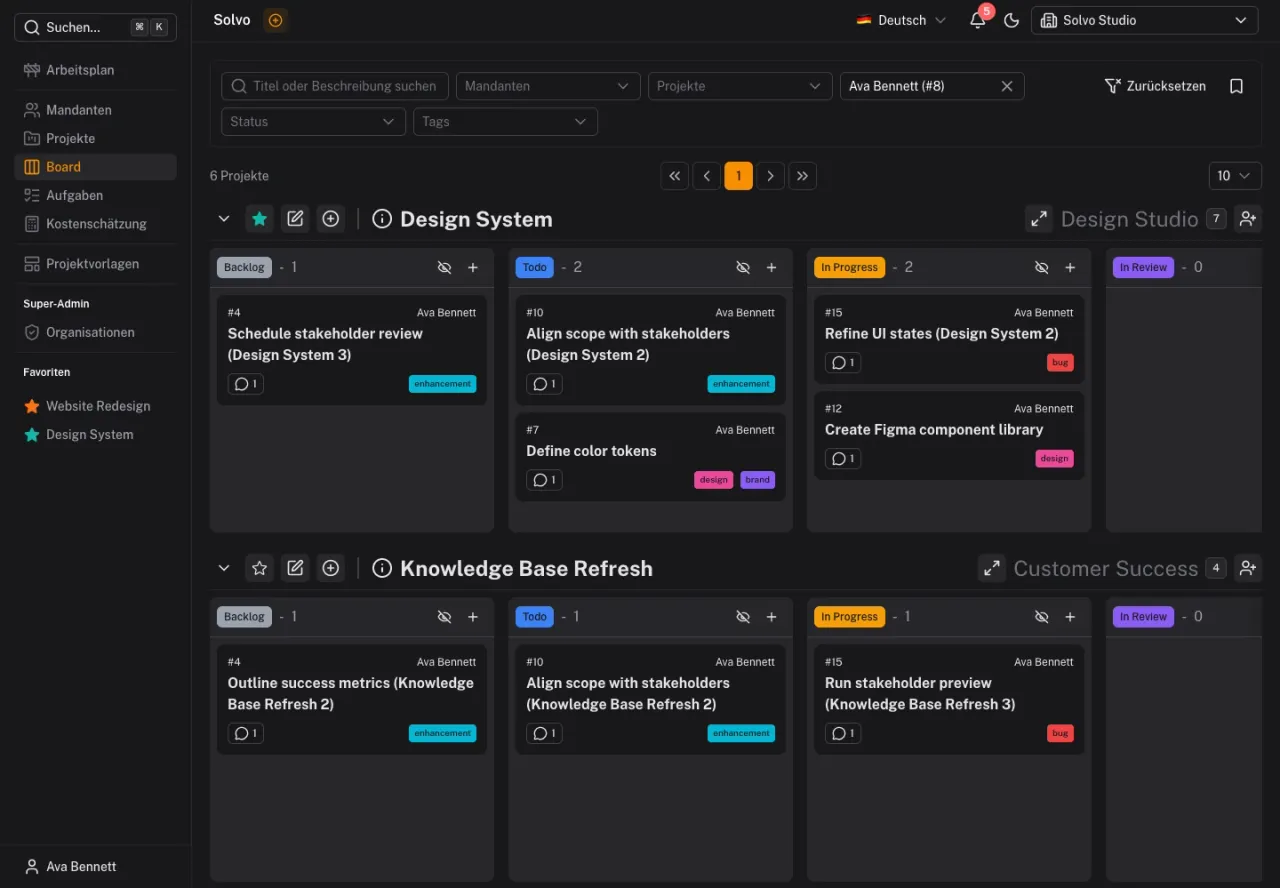
  • A shared board shows tasks across several projects and supports filters.
  • Subtasks break down larger pieces of work; task links record relationships.
  • Invitations and roles can be managed directly for a project.

This makes it easier to see which work belongs together and who is involved.

From tasks to cost estimates

Estimation cards, time and cost ranges, and exports across multiple projects.
From tasks to cost estimates

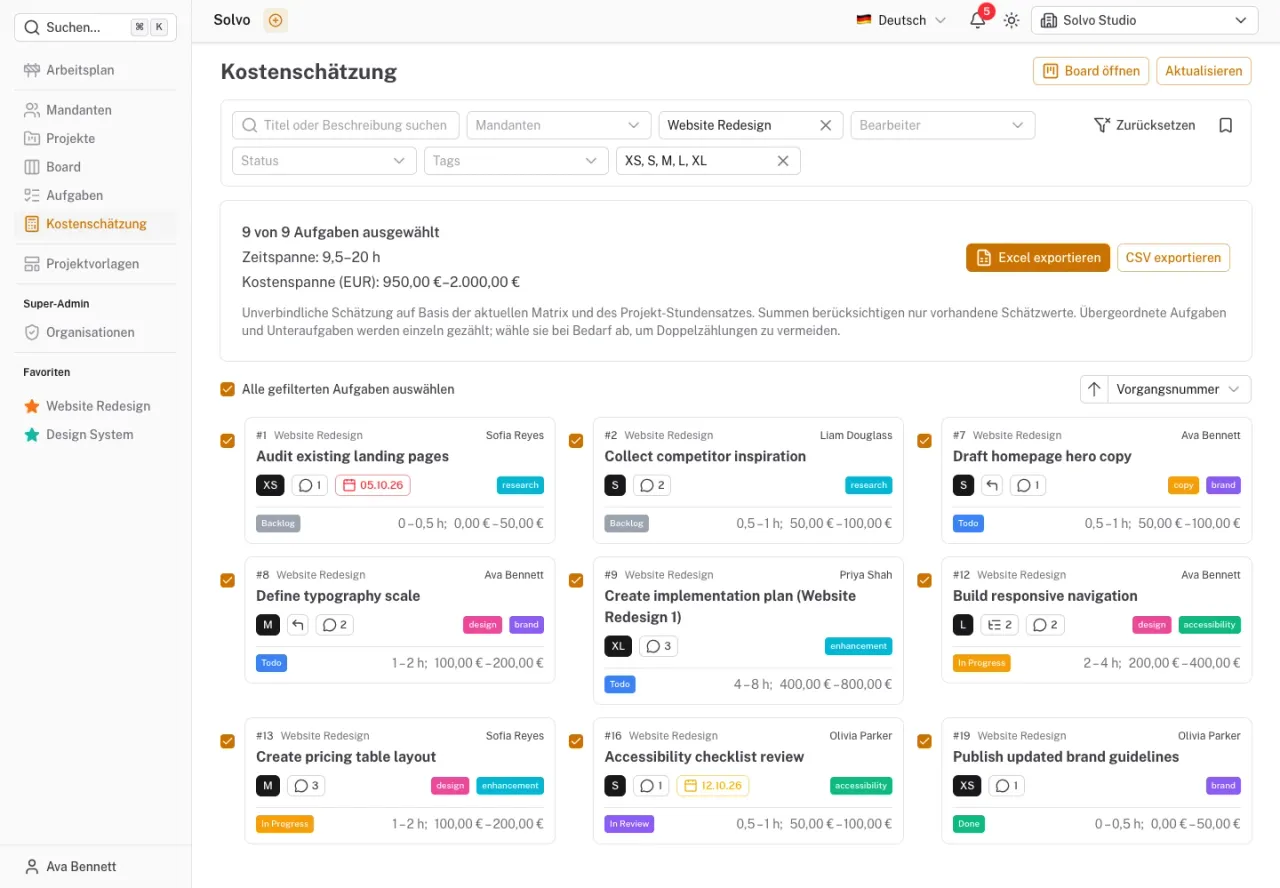
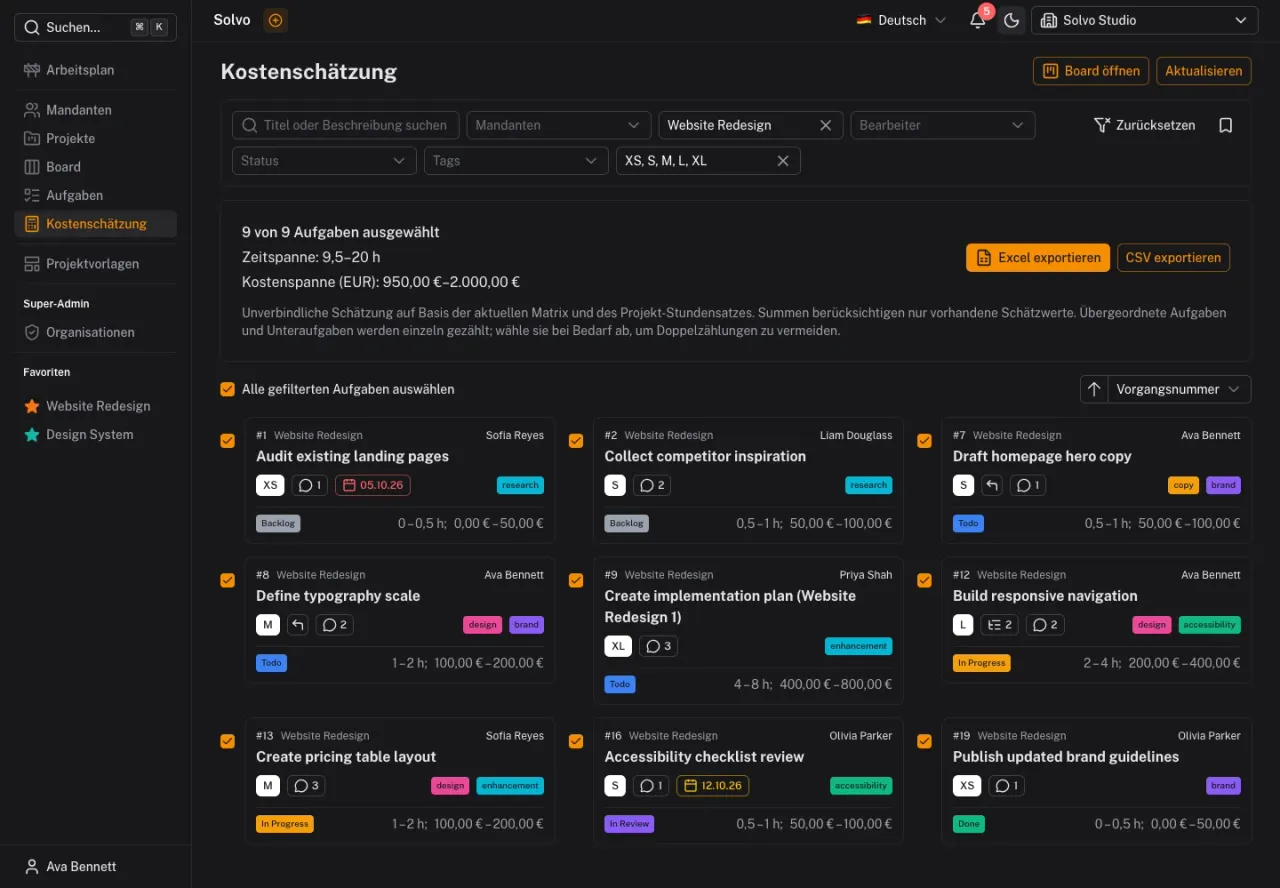
Effort and cost estimation takes shape in September. Teams can estimate tasks with T-shirt sizes or Fibonacci cards. An adjustable estimation matrix translates these values into time ranges; configured hourly rates add the corresponding costs.

The calculation can be narrowed down by task, project and tenant. Selected tasks can be exported as XLSX or CSV, bringing scope and assumptions together for planning discussions.

Notifications and Solvo in AI tools

Keep track of activity and work with tasks through MCP in a conversation.
Notifications and Solvo in AI tools

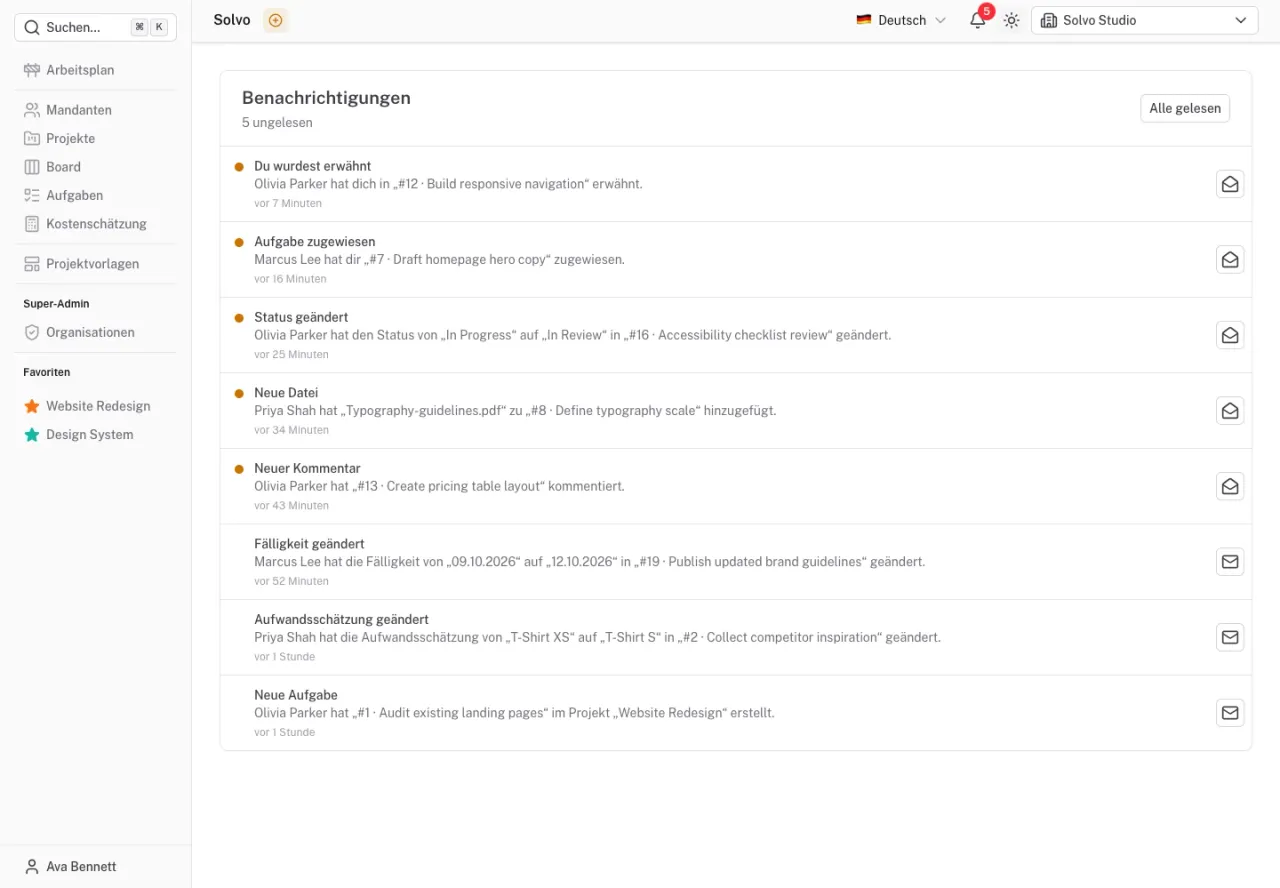
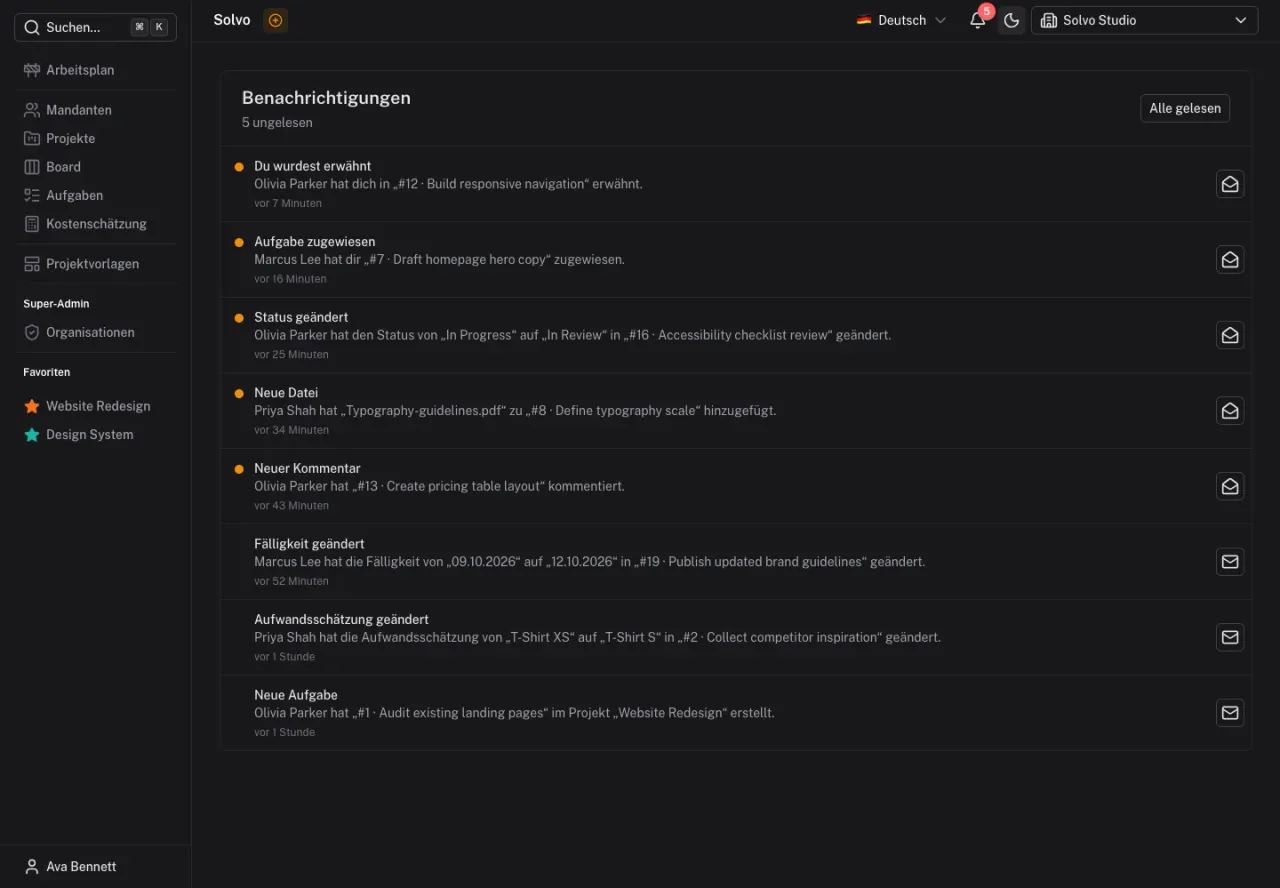
The notification center brings new activity together. Personal settings control email, push and in-app notifications, while read status helps keep track of pending updates.

The MCP integration lets connected AI tools retrieve projects and tasks and read comments and attached images. Within their permitted scope, they can create and update tasks and add comments. Solvo becomes accessible from a conversation with an AI assistant.

Clockodo directly on a task

Start and stop time entries while keeping the task context open.
Clockodo directly on a task

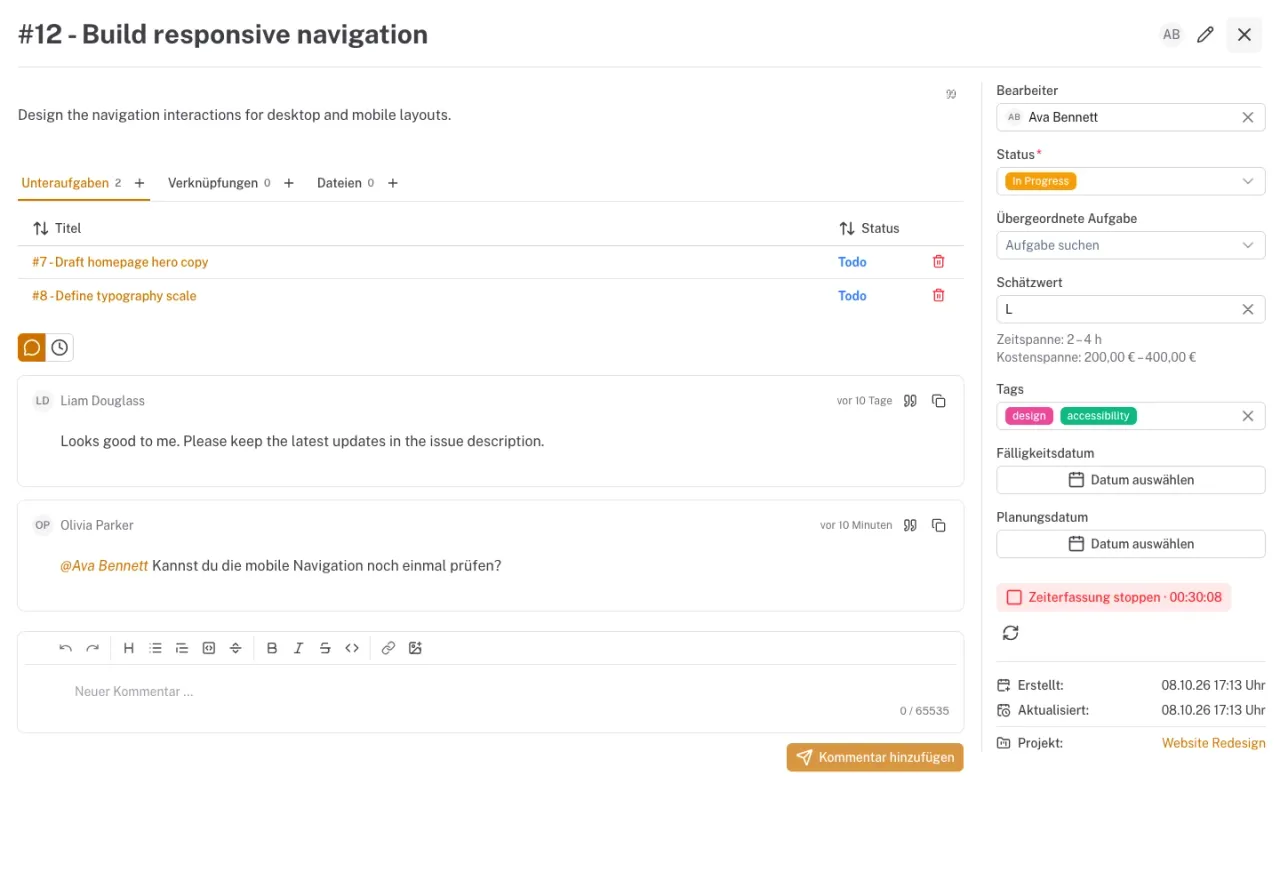
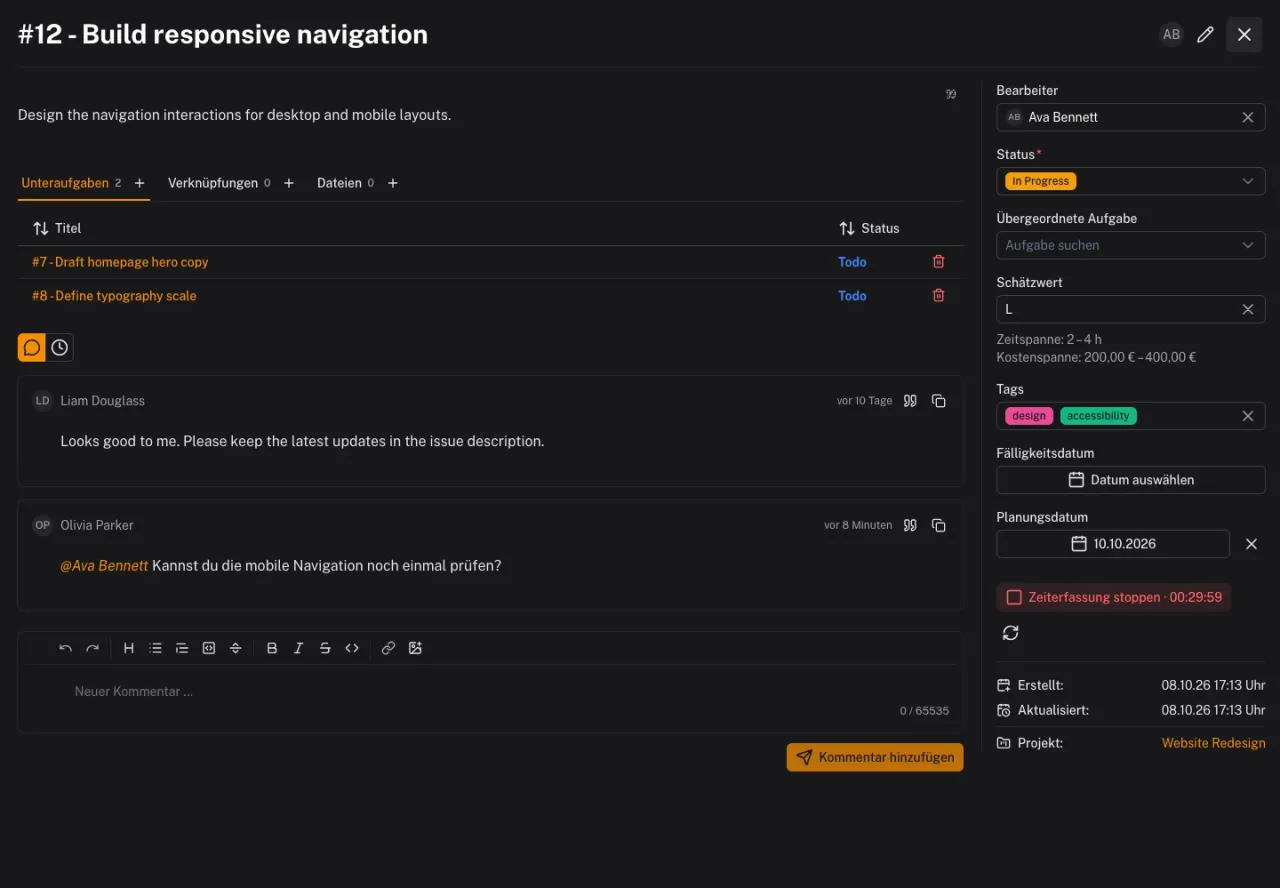
The Clockodo integration connects Solvo projects to existing Clockodo projects. Once configured, team members can start and stop their timer directly on a task. The task number and title become part of the time entry description.

Time entries remain in Clockodo. Solvo adds the connection to the task and removes the need to switch applications when starting or stopping a timer.

More context within tasks

Quoted replies, images, a task list and custom fields support collaboration.
More context within tasks

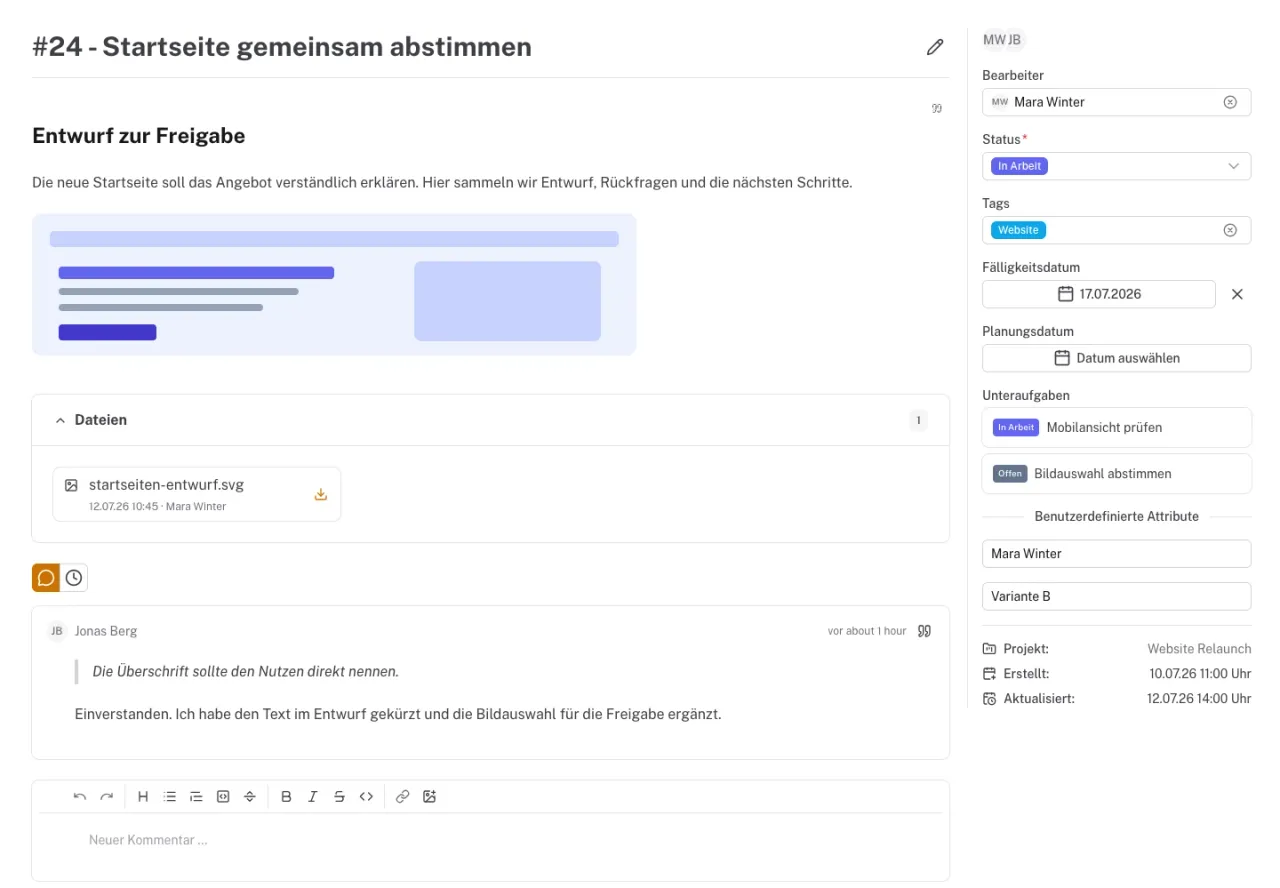
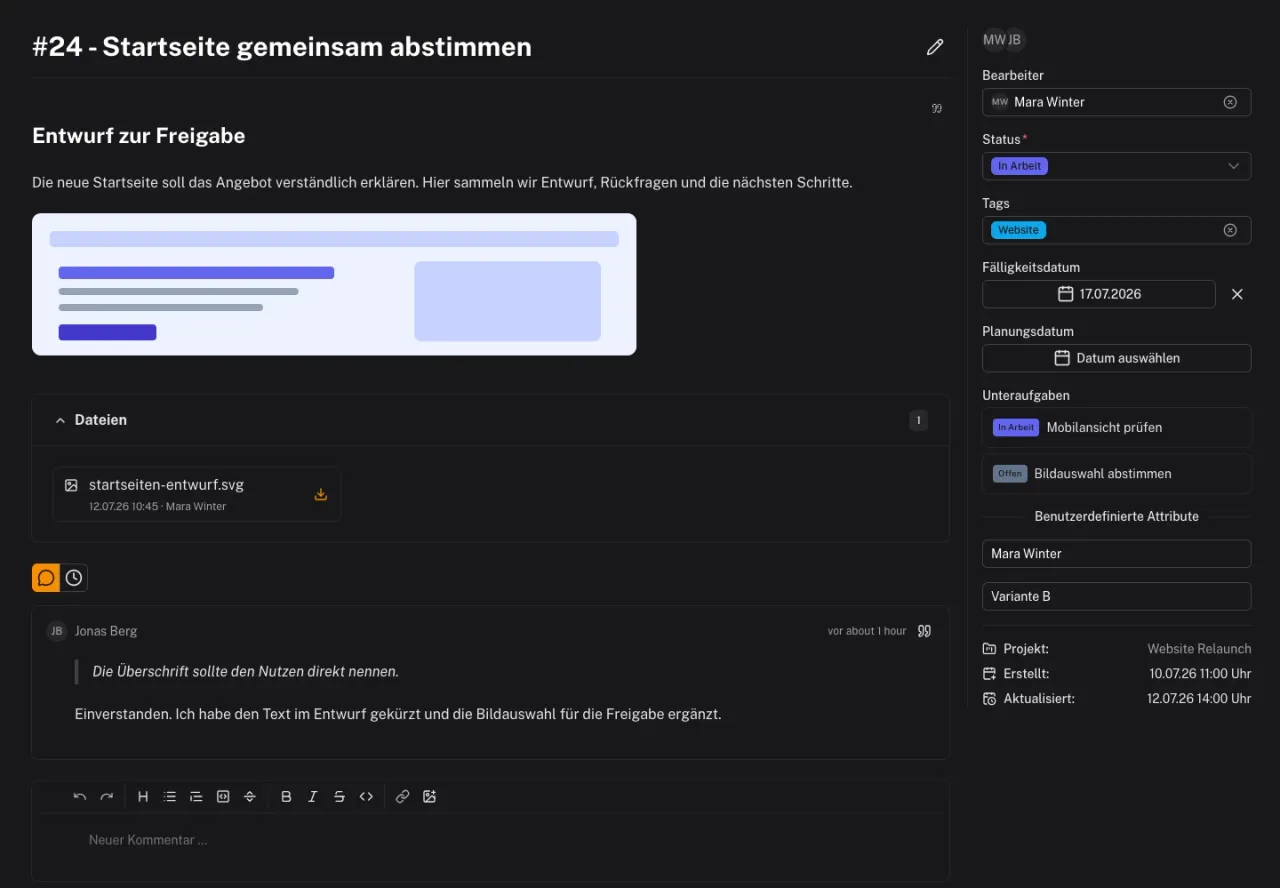
From March to July, tasks gain more context: replies can quote comments, and images can be inserted directly into descriptions and comments. A table view of tasks complements the boards.

Custom task fields let teams capture additional information their projects need. Requirements, questions and project-specific details can stay with the task.

Organizations and reusable projects

Organize work across tenants and start new projects with the tasks they need.
Organizations and reusable projects

Development in January and early February expands Solvo for organizations working across several tenants. Projects, members and responsibilities gain a shared structure.

Project templates add recurring tasks to new projects. Templates can define assignees, tags, subscribers and due dates relative to the project deadline, reducing repeated setup for familiar workflows.

The personal work schedule also allows tasks to be planned before work on them has started.

From prototype to internal project work

Collaboration, due dates and a personal work schedule grow out of everyday project work.
From prototype to internal project work

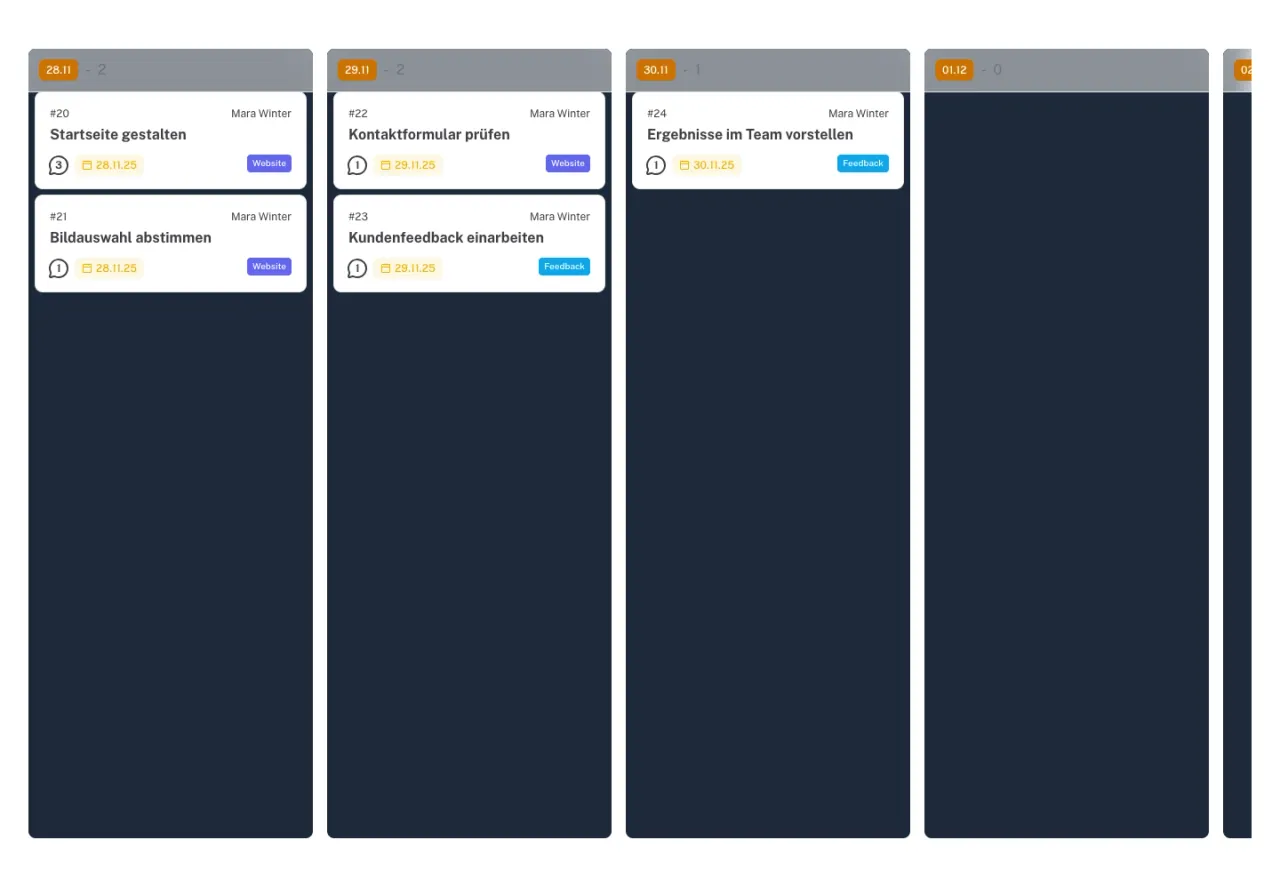
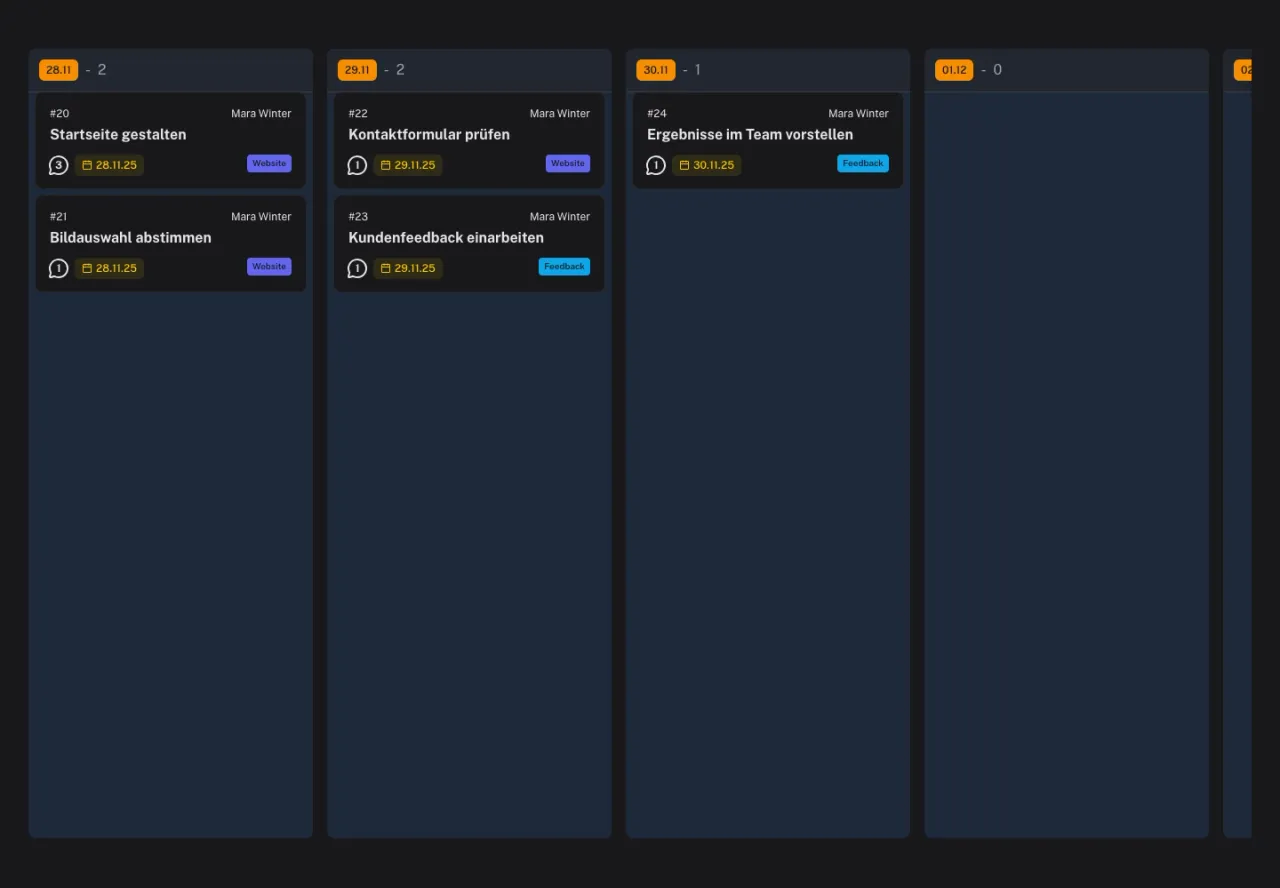
Solvo is used in our own projects early in its development. During November, the application gains email notifications, due dates, file attachments and an overview of each person's tasks.

On November 28, the personal work schedule adds a view for arranging the day's tasks. Configurable statuses and automatic transitions support the team's workflows.

The project prototype takes shape

An early task board lays the foundation for further development.
The project prototype takes shape

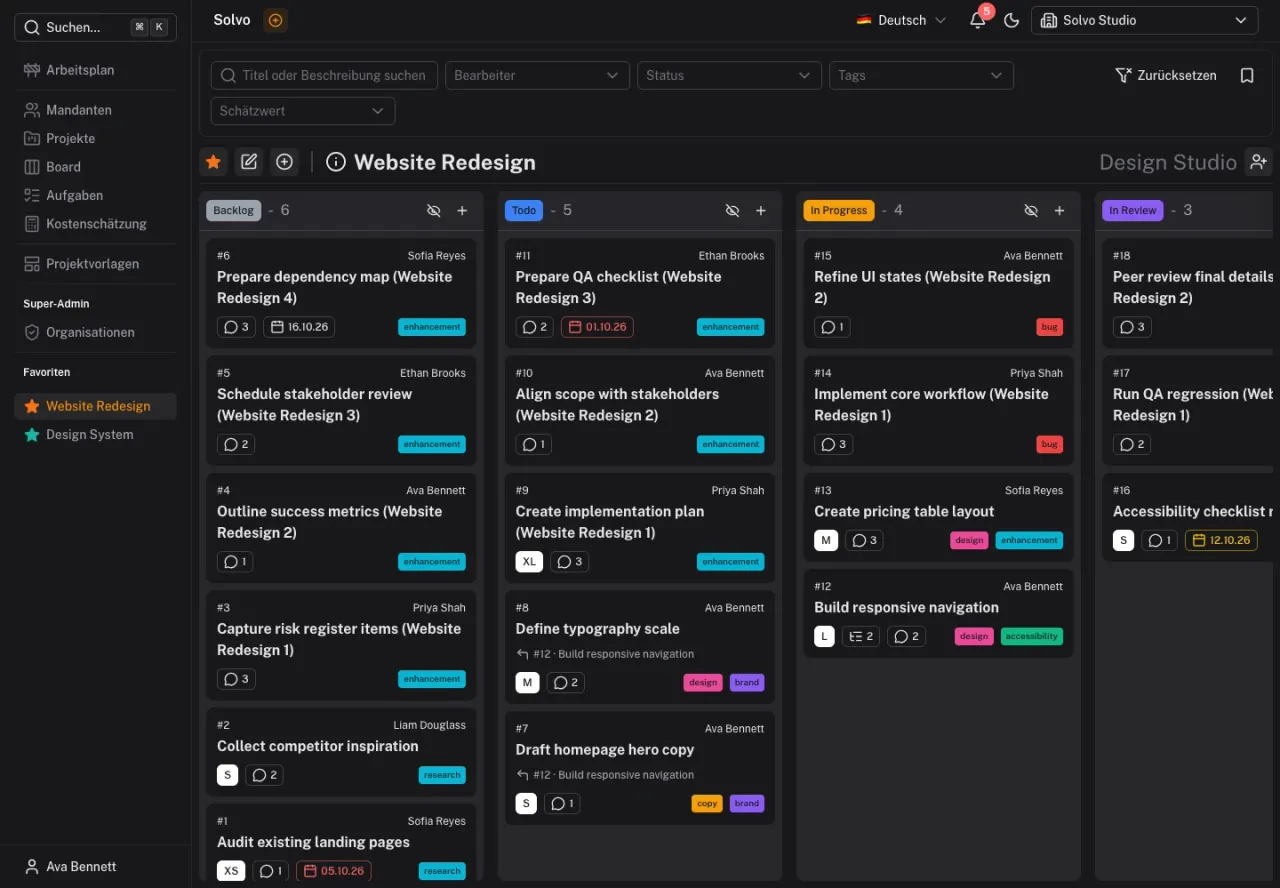
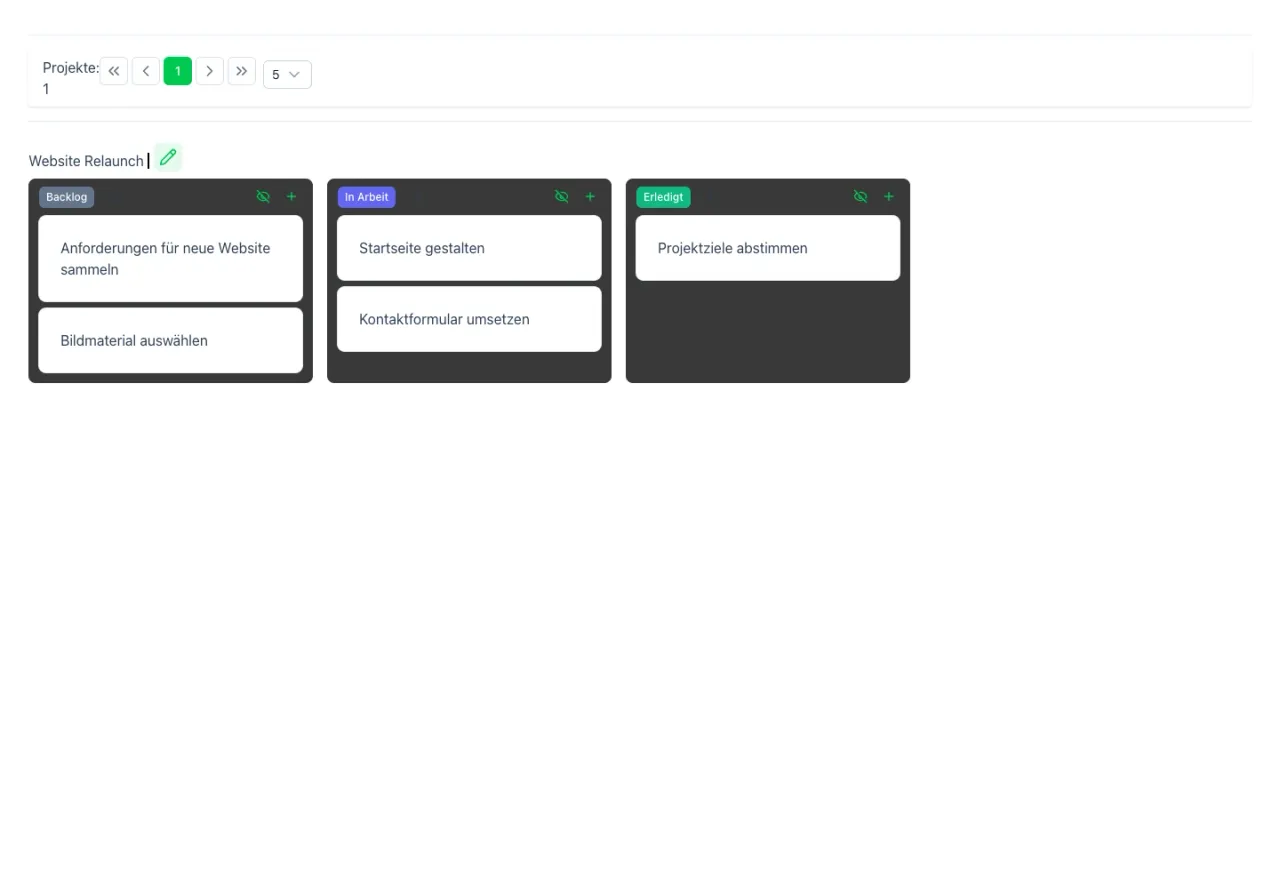
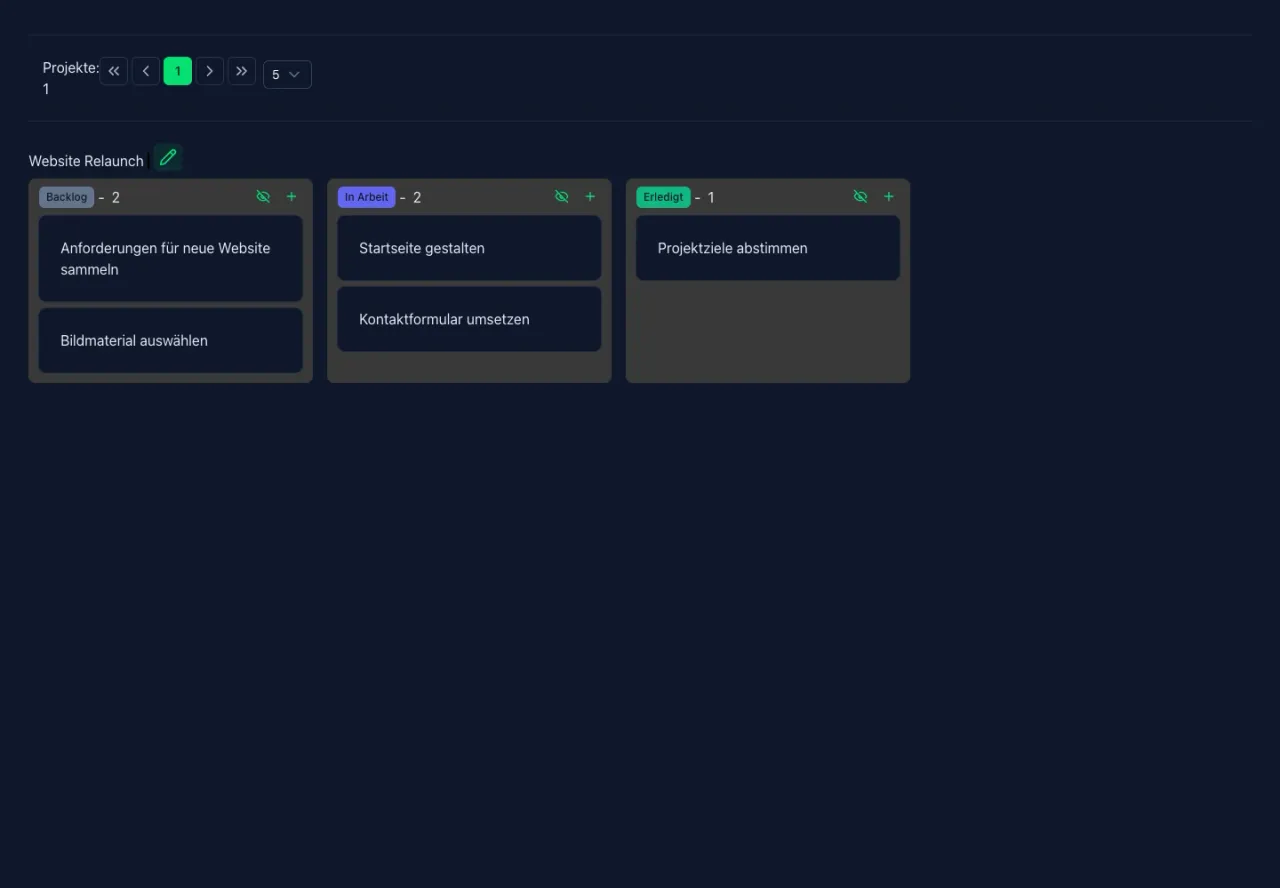
An early prototype brings projects and their tasks together in a board view. Columns organize tasks by status, laying the foundation for the later project overview.

From this development stage, Solvo is gradually expanded for everyday collaboration: task editing, responsibilities and the workflows needed in our own projects.