
Getting to know Solvo
From your first project to everyday collaboration: your introduction to Solvo.
Solvo brings projects, tasks and daily work planning together in one place. You can see what needs doing, who is working on a task and how far the team has progressed.
Your first steps in Solvo
- Set up your account and select the right organization.
- Create a tenant and project, if your team has not done so already.
- Create a task, assign someone to it and describe the next steps.
- Track progress on the board.
- Use your work schedule to plan tasks for your day.
How your work is organized
| Term | Meaning | Example |
|---|---|---|
| Organization | Shared structure for members and tenants | Solvo Studio |
| Tenant | Area with its own members, statuses and tags | Design Studio |
| Project | A specific initiative within a tenant | Website Redesign |
| Task | A piece of work with a status, assignee and description | Draft homepage copy |
| Subtask | Part of a larger task in the same project | Agree on a copy variant |
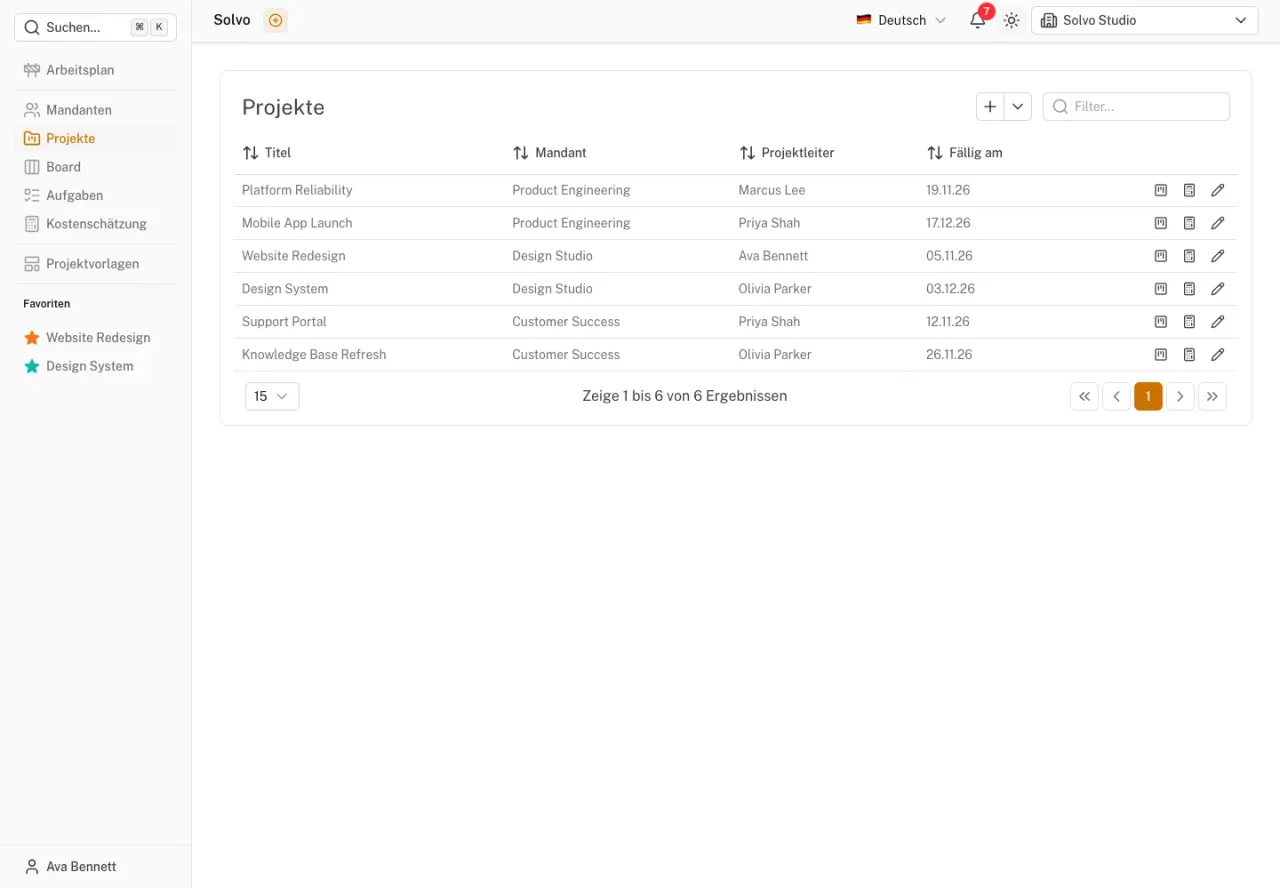
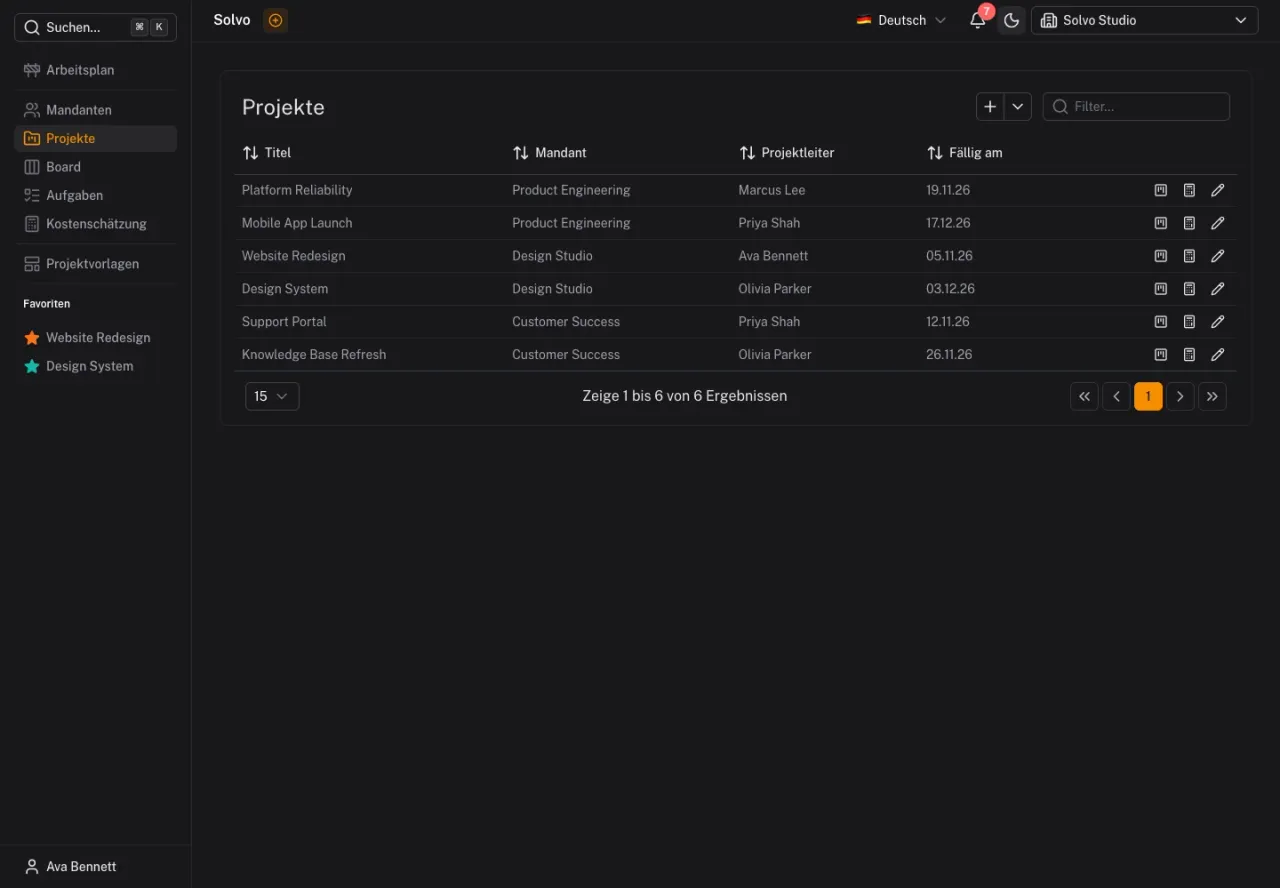
The screenshots show the German interface with fictional demo data. Your team may use different project names and status labels.
Choose the right view
- Projects: Find initiatives and open their project boards.
- Board: View tasks by status and move them through the workflow.
- Tasks: Search and filter tasks in a list.
- Work schedule: Distribute your work across specific days.
- Cost estimation: View estimated tasks and their calculations.
Already invited?
Sign in with the email address that received the invitation and check Invitations. Once you have access, select the organization at the top and open your team's project. You do not need to create your own organizational structure.
If a project or editing function is missing, first check the selected organization and your permissions. See Members and roles for details.