
A board that helps you decide: clear rules for your workflow

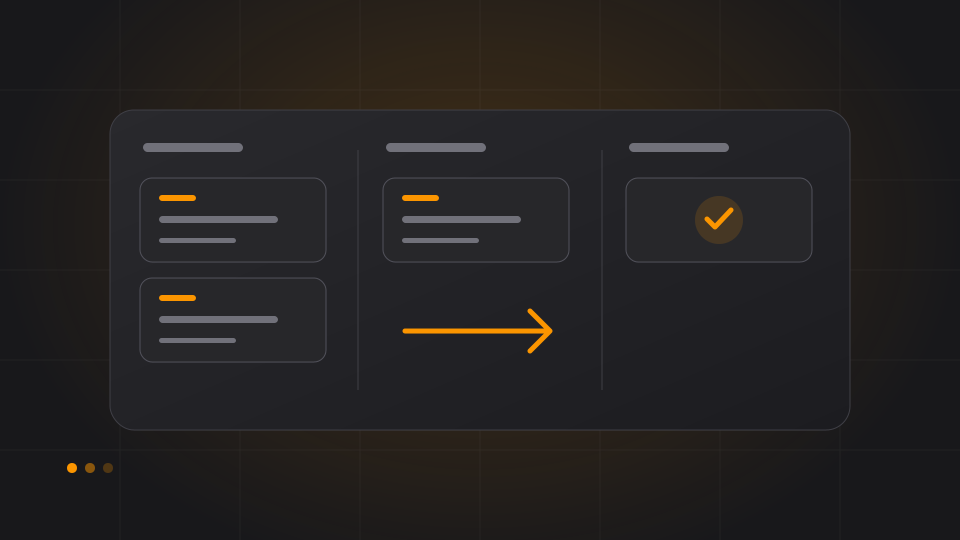
On Monday, the board looks busy. By Friday, many cards are still under “In progress”. Everyone has been working, but little has been finished. The board shows the work; the decision about what should happen next remains unclear.
A useful workflow turns columns into shared agreements. In Solvo, you can configure a tenant's statuses to suit your process. Start by asking what signal each column should give the team.
Statuses describe a state you can check
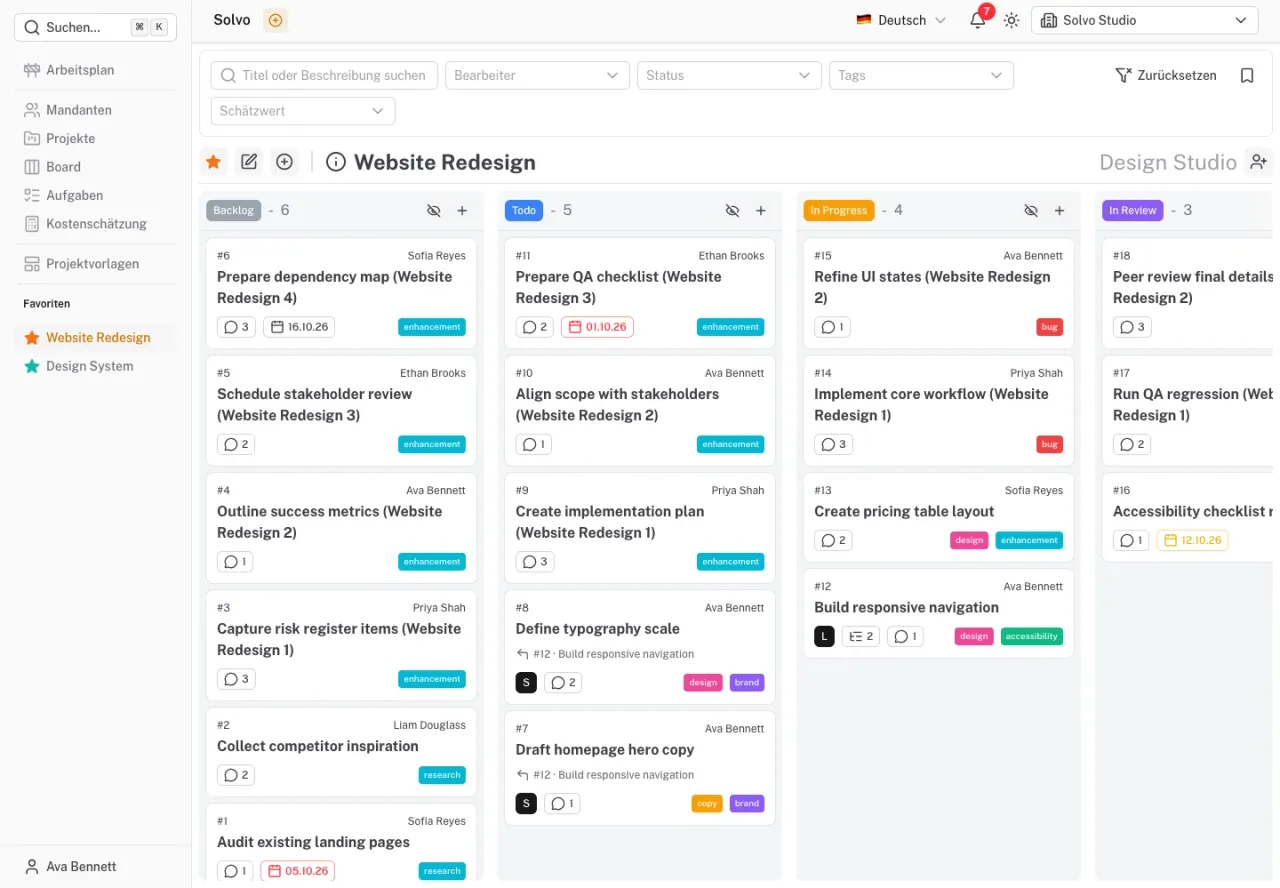
A small project often needs only a few stages. What matters is when a task enters and leaves each one. Here is a possible workflow for a website redesign:
| Status | Team agreement |
|---|---|
| Backlog | An idea is captured; implementation has not been agreed. |
| Ready | The goal, required information and responsibility are clear. |
| In progress | Someone is actively working on an agreed result. |
| In review | The result is available and waiting for specific feedback. |
| Done | The agreed criteria have been checked and met. |
These are examples for your configuration. An extra column earns its place when it leads to a different decision. If two columns mean the same thing in daily work, consider whether you need both.
Start new work when there is capacity
The Kanban Guide includes visualizing the workflow and controlling work in progress. One practical team agreement could be that each person actively works on one larger task at a time. Before starting another, they check whether they can finish existing work or help with a review.
Solvo makes cards and their states visible. Your team needs to agree on and observe such a limit. Do not assume that it creates an automatic restriction on the board.
When three finished designs are waiting for approval, a fourth design does not resolve the queue. First agree who will review the work and what information is missing.
A blocker needs a next step
A card marked “Waiting for customer” does not explain how work will resume. Record which answer is needed, who will follow up and when you will review the situation. Use a suitable tag if you want to filter blocked tasks.
In Solvo, project, assignee and status filters let you focus on the relevant work. In a short team discussion, begin with tasks closest to completion: what can finish today? What needs a decision? Which active task needs support?
Automation follows the agreement
Solvo's status rules can control automatic assignment, later status changes or archiving. Use them once the team understands what they mean. A card moved automatically should represent a meaningful state.
Test new rules with an example task and check their effects on the work schedule as well. Completed work does not need to fill the active view forever, but archiving too early can hide an unresolved review.
Improve the workflow regularly
After a week, look back at specific tasks. Where did they wait? Was a description unclear? Was a reviewer missing? Does the sequence of statuses still match the actual process?
Then change one agreement and see whether it helps. For example, a task can enter “Ready” only when the required content is available. Your workflow develops from experience.
See the board documentation for usage and statuses, tags and attributes for configuration.
Agile cost planning: from an estimate to a useful conversation
Use Solvo to calculate effort ranges, spot gaps and compare project scope with your budget.
Write better tasks: turn a vague request into a result you can check
Use clear goals, useful subtasks and recorded decisions to reduce avoidable questions.