
Write better tasks: turn a vague request into a result you can check

“Improve the homepage” sounds like a task. But the person assigned to it still has plenty of questions. Is this about speed, copy, design or more enquiries? Who decides when the improvement is good enough?
A useful task gives someone enough direction to take a sensible next step. Solvo keeps the title, description, responsibility, dates and comments together on the task.
Name the result in the title
Write a title you can recognize on a board card. “Add a contact form to the homepage” is more concrete than “Optimize conversion”. The second describes a goal but does not yet define a manageable step.
Use the description to explain the context: visitors should be able to send an enquiry without first going to the contact page. Link relevant material or attach the required files. The person doing the work should not need to assemble the context from several chats.
An example you can adapt
A contact form description might look like this. The criteria belong in the description text and do not require a separate feature:
Goal: Visitors can send an enquiry directly from the homepage.
Scope: Name, email and message; use the existing delivery method.
Finished when: Required fields have understandable validation, successful submission is confirmed and the form is usable on a small screen.
Open question: The team still needs to decide who receives the message.
The unresolved detail is visible and can be settled before implementation. A design based on a different interpretation usually needs more discussion than a short question at the start.
Split larger tasks at useful boundaries
Split an initiative when its results can be worked on and reviewed separately. For a redesign, “Agree on navigation”, “Design the homepage” and “Migrate content” could be tasks within the same initiative.
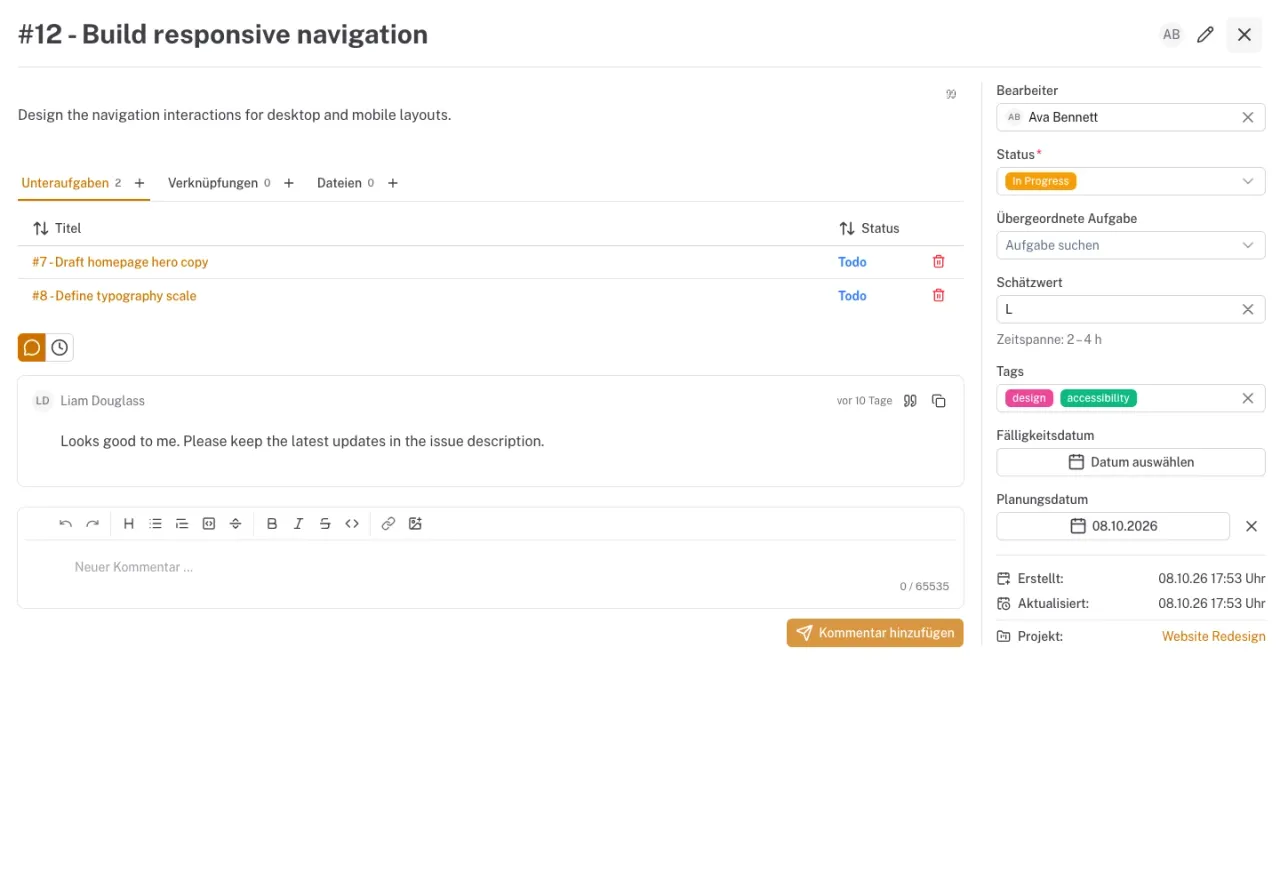
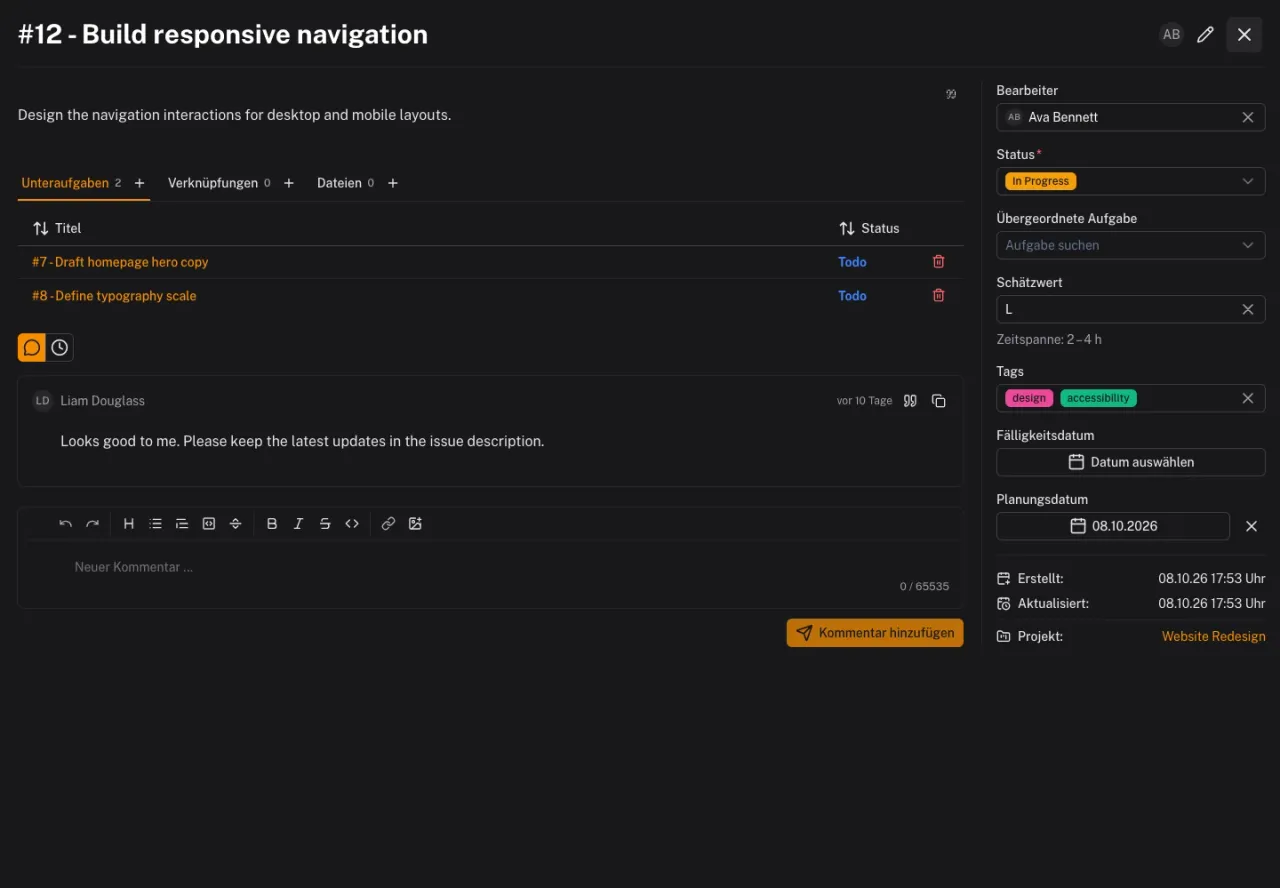
In Solvo, you can create subtasks or assign an existing task to a parent. The relationship keeps the context visible. It does not replace an agreement about which steps need to wait for each other.
If you constantly need to switch back and forth between two tasks, the boundary may be unhelpful. Consider expanding the description or changing how the work is split.
Clarify responsibility and dates
An assignee shows who owns the next step. For tasks involving several people, also record who reviews or makes a decision. Assignment alone does not answer those questions.
Distinguish deadlines from planning. The due date describes when the result is needed. The planning date specifies when the task should be worked on in the personal work schedule. Both can change, but they need to remain consistent.
Keep decisions on the task
Use comments for specific questions and reasoned decisions. After a conversation, a short note is often enough: “We will use the existing delivery method; the new integration will follow later.” Someone who missed the discussion can then understand the current scope.
Mention the responsible person with @ when you need an answer. Subscribers can follow changes; the alerts they receive depend on their notification settings.
Before your next assignment, ask three questions: is the result clear? Is the necessary information available? Can someone check whether the task is finished? The tasks and subtasks documentation explains the relevant Solvo features.
A board that helps you decide: clear rules for your workflow
Give status columns a clear meaning, spot queues and help your team limit the work it starts at once.
Realistic daily planning: connecting your board and work schedule
Plan specific workdays, keep deadlines visible and leave room for questions and unexpected work.