
Realistic daily planning: connecting your board and work schedule


Five tasks are assigned to you, and two share the same deadline. The board shows their status, but it does not yet tell you where to start today or what can realistically fit into tomorrow.
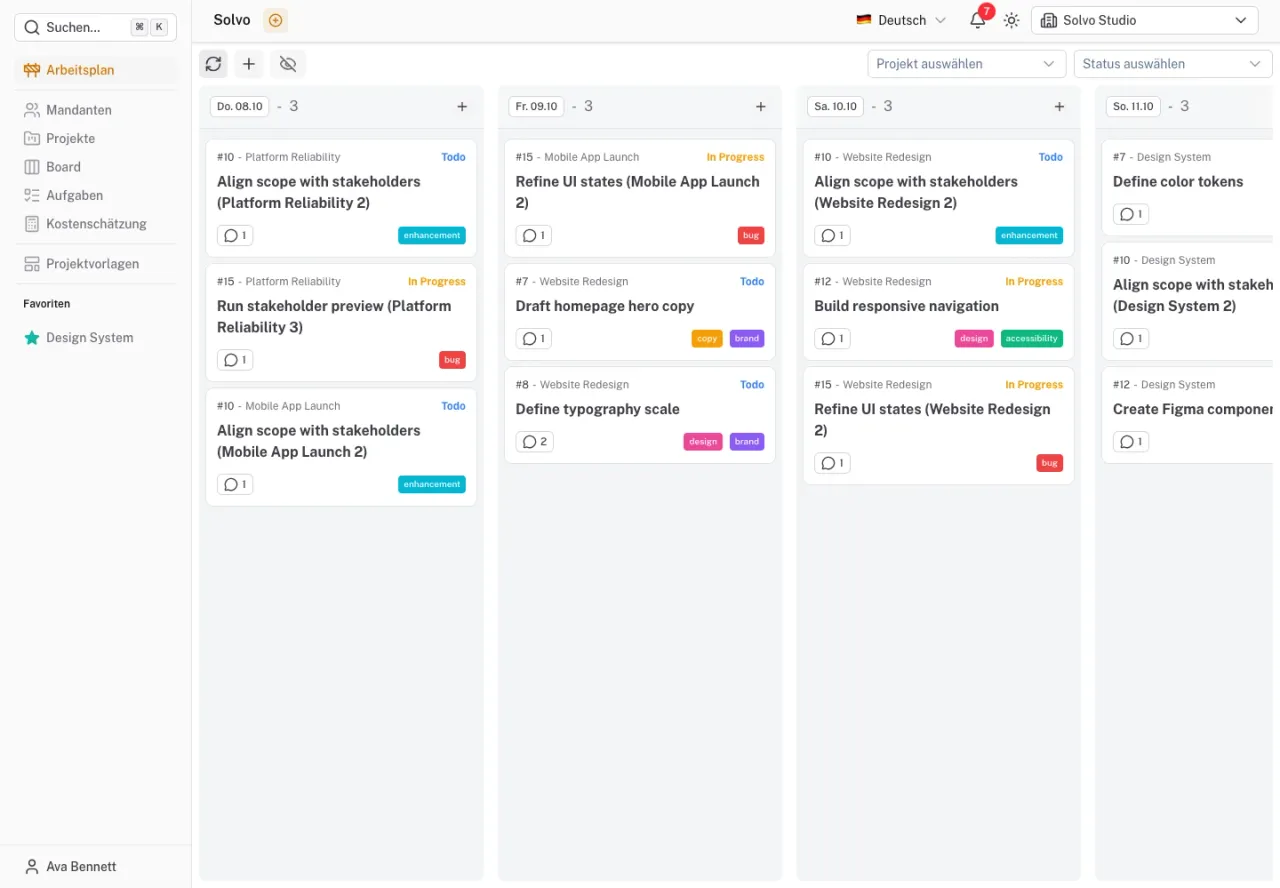
Solvo complements the board with a personal work schedule. Useful daily planning combines three things: what matters, what is ready to be worked on, and how much time is actually available.
Separate deadlines from planning
A due date describes when a result is needed. A planning date describes when you intend to work on it. This distinction lets you distribute work before the deadline.
For approval on Friday, preparation might look like this:
| Day | Planned step |
|---|---|
| Tuesday | Finish the draft and send it for review |
| Wednesday | Gather feedback and resolve open questions |
| Thursday | Make the agreed changes |
| Friday | Approve the result together |
This is an example workflow, not an automatic date calculation. If feedback arrives only on Thursday, discuss what that means for the remaining steps and the deadline.
Move from the board to your schedule
First check the board for tasks that can sensibly move forward. An important task with missing information is not yet a good candidate for hours of focused implementation. You may need to plan the clarification first.
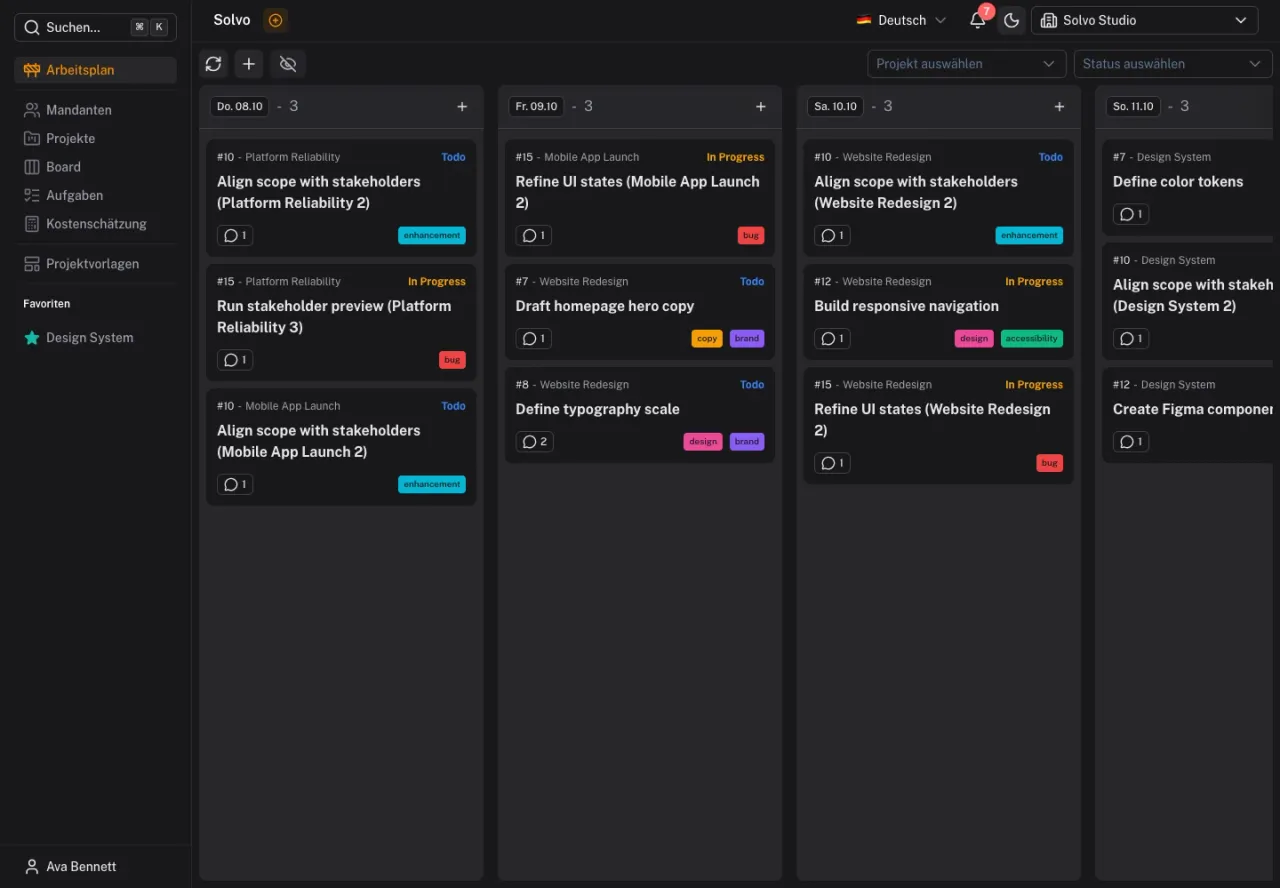
In Solvo, add a task in Work schedule or set its planning date in the details. Its status must allow it to appear in the schedule. If planning is unavailable, check the tenant's status configuration.
Base capacity on the actual day
Start with fixed commitments: meetings, support and promised feedback. Only the remaining time is available for additional tasks. A day with several conversations has a different capacity from an uninterrupted morning.
For example, if four hours remain after fixed commitments, a task estimated at two to four hours already occupies a substantial part of the day. Do not also plan several other large results. Consider handovers and questions when deciding what fits.
The work schedule assigns tasks to days. An entry on a particular day does not prove there is enough capacity. Estimates can help you judge the work, but assessing the actual day remains your responsibility.
Replan deliberately when interrupted
When an urgent request arrives, decide which planned task can wait. Move it in the schedule and check its due date. Moving the planned workday does not automatically move the deadline.
If another assignee takes over or the task moves to a status that cannot be scheduled, its previous planning entry may be removed. Check the schedule together after a handover so the new owner accounts for the work.
End the day with a short review
Look at the result: what is finished? What needs an answer? What should be planned differently tomorrow? Update statuses and comments where the situation has changed.
If the same task keeps moving to another day, check why. It may be too large, not ready or less important than other work. A clarification subtask or a priority decision may help more than another postponed date.
Start tomorrow with one task whose goal and prerequisites are clear. The work schedule documentation covers setup; for shared task states, read the article on clear workflows.